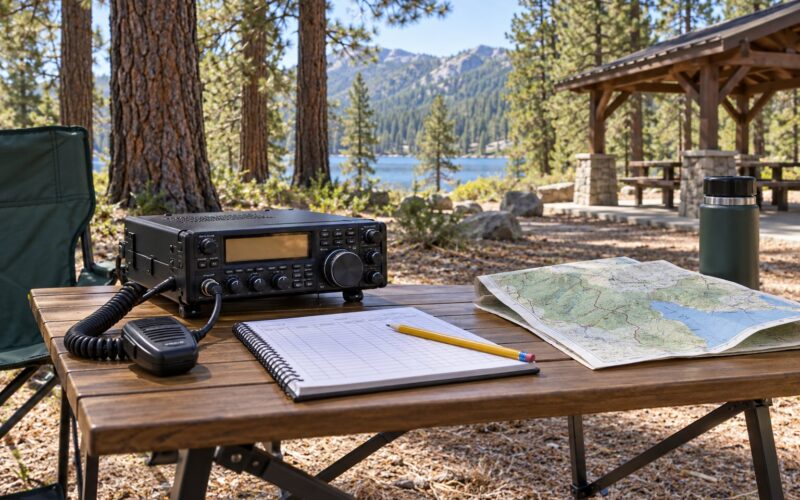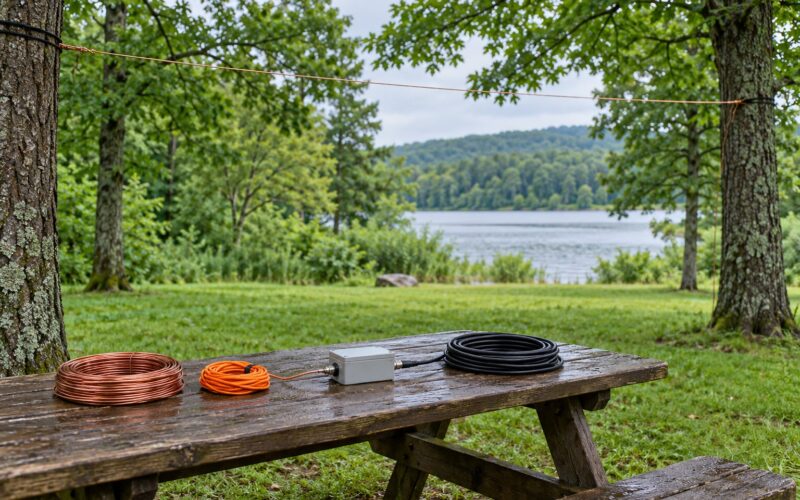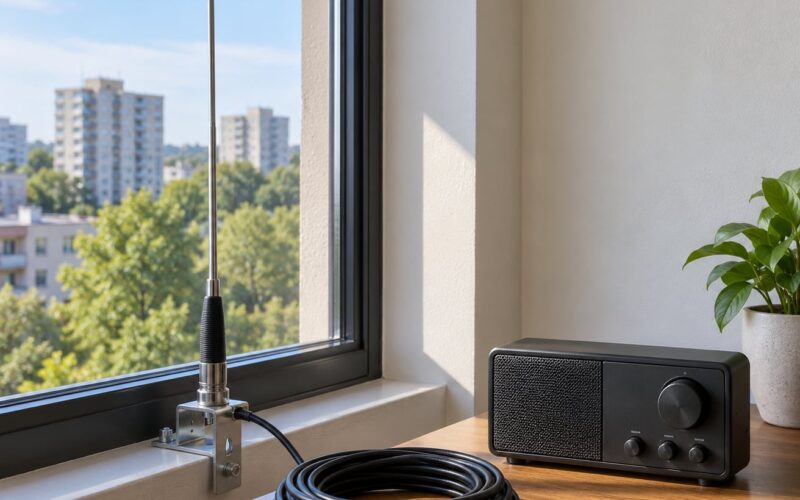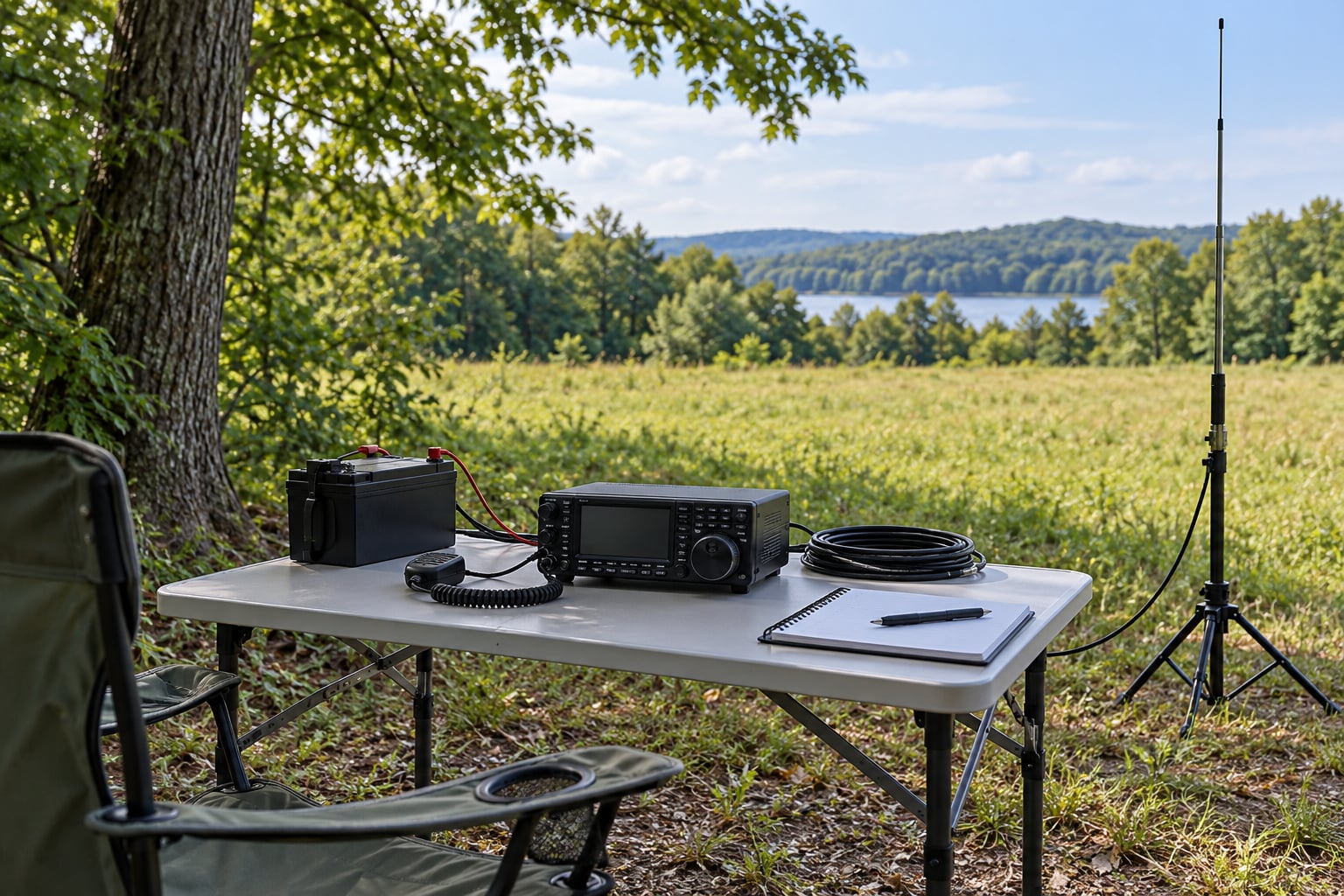
A portable HF station for POTA is a self-contained kit you can carry into a park and get on the air in under half an hour: a radio, an antenna on a mast or tripod, a feedline, a battery, and something to log with. Learning how to set up a portable HF station for POTA is mostly about order of operations, because most first-activation failures come from assembling things in the wrong sequence or from an antenna that never gets checked before transmitting.
POTA, short for Parks On The Air, is an amateur radio program where operators make contacts from a specific park and submit the log for credit. A valid activation needs at least 10 QSOs, all made from inside the park boundary, logged with the park’s K-eta reference (US parks use numbers like K-0001 through K-9999), and uploaded to the POTA log at pota.app. Contacts with another operator working a different park count for extra credit under the park-to-park, or P2P, rules.
Everything below assumes a US park and a single-operator station on a 100-watt or QRP rig. Bands, licensing, park hours and permitted modes come from the park manager first and the amateur radio band plan second, so check the specific park’s rules before you drive out.
Table of Contents
- 1What You Need
- 2How to Set Up a Portable HF Station for POTA, Step by Step
- 3Choose and Prepare the Operating Site
- 4Set Up the Radio and Power System
- 5Install and Tune the Antenna: The Core of the Portable HF Station Setup
- 6Make a Safe and Effective First Contact
- 7Operate and Monitor the Station
- 8Pack Down Without Damaging Equipment
- 9Common Mistakes
- 10Frequently Asked Questions
- 11What is the best antenna for a first POTA activation?
- 12How much battery capacity do I need for portable HF operation?
- 13How long should a portable HF station last in the field?
- 14Can I set up a POTA antenna in the rain?
- 15How well does a 5-watt station perform for POTA?
- 16Conclusion
What You Need
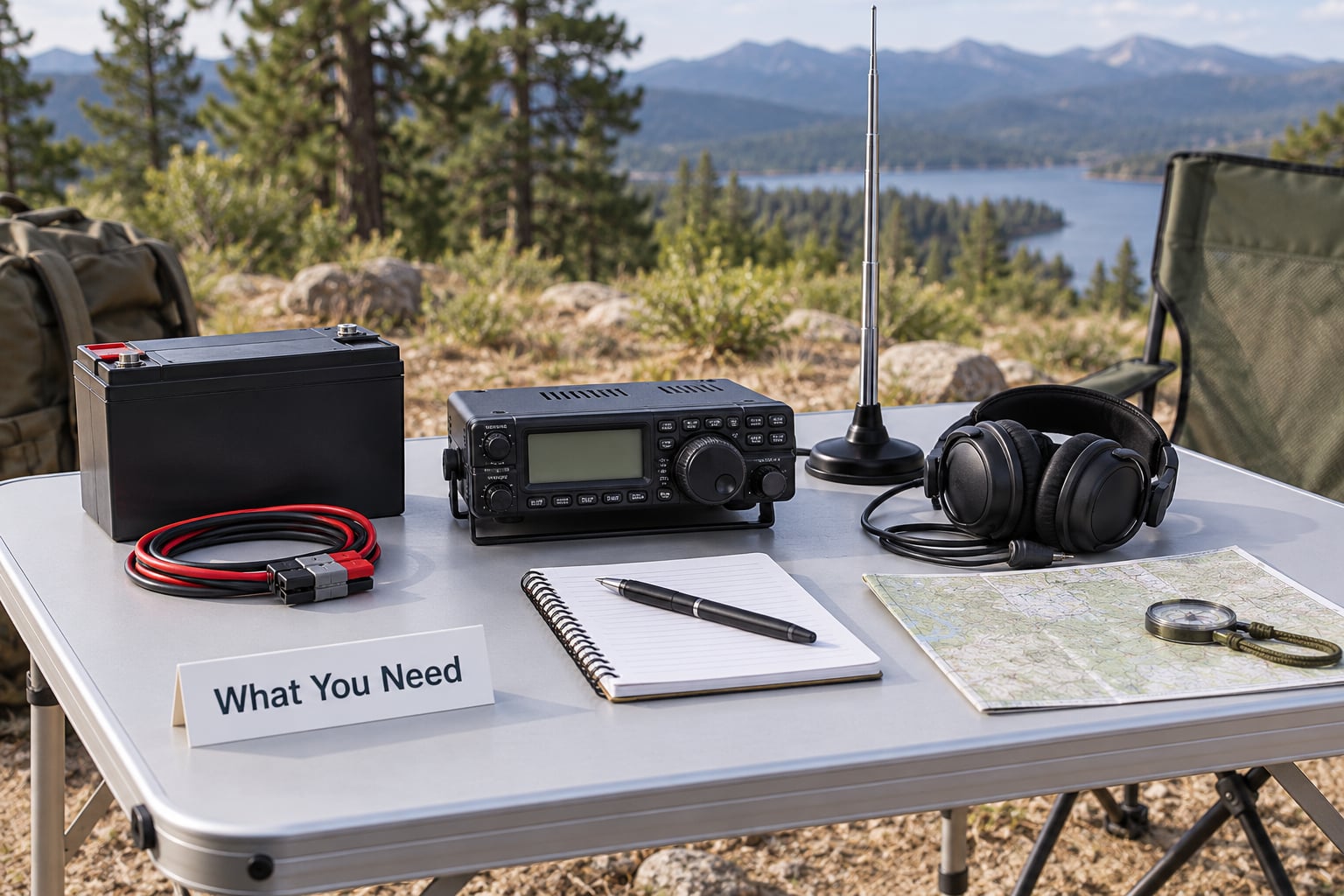
A working portable HF station has six components: the transceiver, the antenna, the feedline and matching hardware, the power system, the mounting hardware, and a logging setup. Miss any one of them and something else has to substitute, usually badly. Below is a working backpacking-class kit, with typical weight ranges so you can tell whether your station fits in a car trunk or on your back.
- Transceiver: an HF rig with SSB and CW, ideally with an internal tuner. Budget roughly 0.7 to 1.5 kg for a QRP set, or 7 to 9 kg for a 100-watt rig.
- Microphone: a separate handheld or headset mic, about 0.2 kg.
- Antenna: a telescoping whip, an EFHW wire, or a wire dipole. Expect 0.5 to 2 kg.
- Mast and base: a telescoping mast with tripod, or a spike and rope. This is the heavy part, usually 3 to 5 kg.
- Feedline: 25 to 50 feet of RG-8X with BNC or SO-239 ends, roughly 0.5 to 1 kg.
- Power: a LiFePO4 battery, plus a solar panel if you want to run all day. Between 3 and 7 kg.
- Logging: a phone with pota.app, or a laptop with a logging program, 0.2 to 1.5 kg.
The radio. A QRP transceiver at 5 watts is the honest starting point, and the consensus among portable operators is that the antenna matters more than the radio. Around 20 watts gives you room to work casual and park-to-park contacts without a large power supply. A 100-watt rig works DX well but pulls 12 amps or more on transmit and is usually a car-based station, not a backpack station.
The microphone. This is the most commonly forgotten item on a POTA kit list, because it lives in the box with the radio on your desk at home and nowhere else. Put it in the same case as the radio and stop thinking about it.
The antenna. Pick one, not three, for your first activation. A telescoping whip on a mast is the fastest to deploy, an EFHW covers 40 and 20 meters and 80 meters with a simple tap change, and an inverted-V needs trees you may not have. A multi-band vertical with a good tuner covers more bands than either and is the compromise most settled portable kits land on.
Power. A 12.8 V LiFePO4 pack of roughly 50 Ah is the sweet spot for a day of QRP. Never feed a raw 4S lithium polymer pack straight into a 13.8 V transceiver: fully charged it sits at 16.8 V and will cook the radio. Fit an inline fuse rated below the wire’s current capacity on both battery leads, and carry the fuse holder in the same pocket as the mic.
Support and safety. You also need guy lines or expander ropes for anything above about 3 meters, a ground spike or radial set, a small weatherproof case, a folding table or board for the radio, headphones if the rig has a noisy receive, a headlamp for teardown after dark, water, and a printed or offline copy of the park reference and coordinates.
How to Set Up a Portable HF Station for POTA, Step by Step
Work in this order and the whole deployment takes 15 to 30 minutes once you have done it twice. The first two steps are reversible, which is exactly why they come first.
Choose and Prepare the Operating Site
Pick a spot with an open horizon and no overhead power lines. For a vertical, more open ground is better than height. For a dipole, look for two trees roughly 15 to 30 meters apart that you are permitted to use, and confirm that hanging wire on park trees is allowed, since some parks treat anything tied to living vegetation as damage.
Stay at least the full mast length away from any power line, fence wire, or metal roof. On dry park soil a vertical will need a ground spike you can actually push in, and on concrete or sand you should plan on radials instead. Check the wind: a mast with a loaded whip acts like a sail, and a 4-meter section on a gusty day wants three guy lines, not one.
Set Up the Radio and Power System
Unpack the radio on a stable surface, away from the antenna mast. Connect the fused power leads to the battery first with the radio switched off, then connect the microphone and confirm it is actually in your hand before you look for anything else.
Watch the voltage at the radio, not at the battery. Long thin leads and a cold morning will cost you a volt or more, and a transceiver that drops out on transmit is the classic symptom of an undersized pack. Keep the supply wires as short and as thick as you can manage. Route them away from the antenna feedline so the two do not run parallel for any distance.
Switch the radio to receive, listen on the band you plan to work, and confirm a sensible noise floor before you transmit anything.
Install and Tune the Antenna: The Core of the Portable HF Station Setup
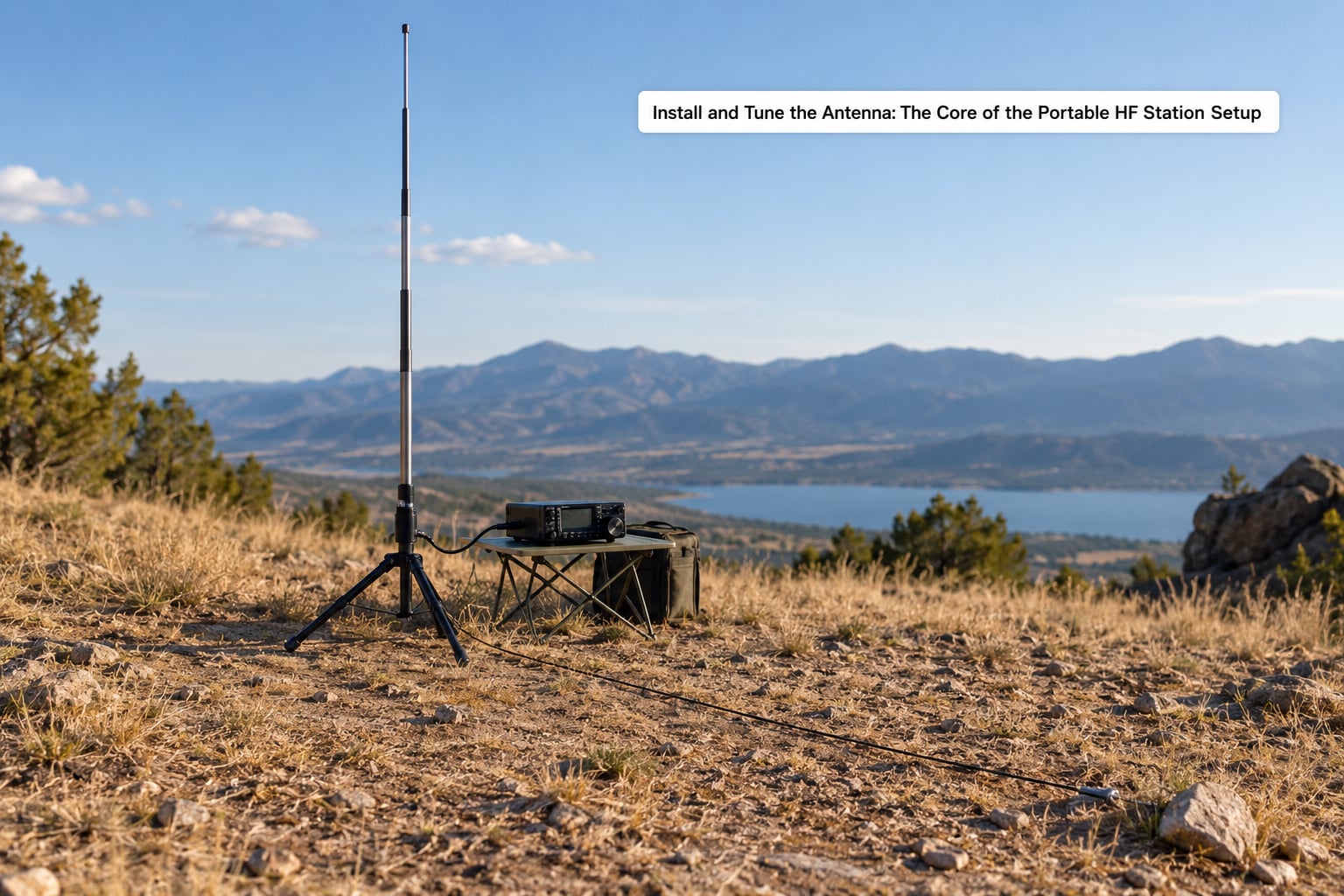
Stand the mast, attach the antenna, and run the feedline down before you power the radio up for transmission. The vertical goes on the top section; the EFHW or dipole wire goes up the mast and back down to the feedpoint. Leave enough slack in the coax to reach the radio without tension, and do not staple it to the mast.
With a vertical, the counterpoise is the part beginners skip. Run two to four radials from the base, each one quarter wavelength for the band you are on, angled downward at roughly 45 degrees. On 20 meters that is about 10 meters per radial; on 40 meters, about 20. Marked radials on a spool make this a two-minute job instead of a measuring contest.
Now measure before you transmit. Use an antenna analyzer or a NanoVNA if you carry one, since the radio’s built-in SWR reading is often optimistic. Below 2:1 on the band you intend to use is workable, and below 1.5:1 is comfortable. If you use a tuner, check SWR un-tuned first, then tune and recheck. Never transmit at full power into an unmeasured antenna, and never exceed the antenna’s rated power.
If your SWR jumps when you touch the coax or move near the radio, you are seeing common-mode current on the feedline. A ferrite choke on the coax a few feet from the radio, or a purpose-built coax choke at the antenna base, usually fixes it and stops the coax from acting as a second antenna.
Make a Safe and Effective First Contact
Listen first. Find a quiet frequency in the band plan, check that nobody is already in the conversation, and pick a call sign for the park in advance so you are not improvising it into the log afterwards.
Start at low power. Five watts is plenty to be heard at park-to-park distances, and it saves your battery while you confirm the station is working as configured. Call CQ with your call and the park reference, for example CQ CQ DE CALLSIGN K-1234. Log as you go, and note the signal report you receive rather than the one you sent.
A usable station produces a sensible one-click or two-click report on a nearby contact, an exchange that repeats back correctly, and no complaints about noise from your own equipment. If you get those, the station is deployed correctly.
Operate and Monitor the Station
Over a multi-hour activation, watch three things: battery voltage, sky conditions, and the band. A LiFePO4 pack that reads 13.4 V under load is comfortable, below 12.8 V is a warning, and 12.0 V means stop transmitting and conserve what is left.
Digital modes such as FT8 in WSJT-X transmit almost continuously, which draws noticeably more than voice at the same output power. If you are running solar, a 25 W panel in full sun puts in the neighborhood of 9 Ah over a good six-hour day, which supports QRP operation comfortably and will not carry 100 watts. If the sky darkens, plan your last transmission and start packing while you still have light.
Keep the radio, cables and connectors where passers-by and dogs cannot reach them, and take a walk break every hour. Sitting over a small station in the sun for four hours is more tiring than carrying it in.
Pack Down Without Damaging Equipment
Work backwards from the setup order. Transmit no more, power the radio off, disconnect the battery, then disconnect the coax, then take the antenna down. Pulling coax while the rig is live, or collapsing a mast with the whip still loaded, is how connectors crack.
Coil the coax in a loose figure-eight rather than a tight bundle, which prevents kinking in RG-8X. Wipe down the mast sections before sliding them together so grit does not end up in the joints. Take every piece of wire and line with you, check the site for dropped connectors or cut insulation, and confirm the log uploaded before you leave the parking lot.
Common Mistakes
Transmitting without checking SWR. A mismatched antenna at 100 watts reflects power back into the final amplifier. Fix: measure on every band you plan to use, before the first transmission, every time.
No counterpoise on a vertical. A whip over thin wire or dry soil will sit at 3:1 or worse and lose most of your signal. Fix: run two to four quarter-wave radials, or fit the antenna manufacturer’s base ground spike and verify it is actually in the ground.
Raw lithium straight into the radio. A 4S LiPo at full charge is 16.8 V. Fix: use a LiFePO4 pack at 12.8 V nominal, or add a regulator or buck converter rated for the transmit current.
No inline fuses. This is the most repeated safety complaint in portable operating discussions. Fix: a fuse on each lead, sized below the wire’s capacity, with spare fuses in the case.
Unverified permissions. Operators trip over roots, disturb wildlife, or tie wire to trees the park has asked people to leave alone. Fix: confirm the park’s activation rules before you set up, and stay on hardened surfaces near the entrance where foot traffic is already expected.
Loose or improvised terminations. A crimped or jury-rigged connector fails intermittently and looks like a band problem. Fix: use proper connectors, crimp them with the correct die, and heat-shrink the joints.
Leaving the mic behind. Fix: keep it in the same compartment as the radio, permanently.
Assuming a hotspot will work for digital modes. Some carriers block the outbound ports that WSJT-X and similar software need for reporting, so spots and confirmations silently fail. Fix: test your reporting path before you leave home, or keep voice as your fallback.
No power plan. A 5 Ah pack is fine for an hour of voice and hopeless for an afternoon of FT8. Fix: budget amp-hours against your actual mode mix before the trip, and carry a panel if the site has no reliable shelter.
Frequently Asked Questions
What is the best antenna for a first POTA activation?
A telescoping whip on a tripod-mounted mast is the fastest to deploy and the easiest to keep vertical in open park terrain. An EFHW covers 40, 20 and 80 meters and weighs about a kilogram, which suits backpacking. An inverted-V performs better but needs two trees and permission to use them. Pick one style for your first outing rather than carrying all three.
How much battery capacity do I need for portable HF operation?
For a few hours of SSB voice at 5 to 20 watts, a 50 Ah LiFePO4 pack at 12.8 V gives you roughly 40 usable amp-hours and a full day of comfortable operating. Digital modes key nearly continuously and draw more, so add capacity or reduce transmit time. Always fit an inline fuse on both leads and never feed a raw 4S lithium polymer pack into a 13.8 V radio.
How long should a portable HF station last in the field?
Plan on three to five hours of real operating for a single park visit, which is enough for a valid activation of at least 10 QSOs and a comfortable margin. Charge current matters more than clock time: a 25 W solar panel in full sun gives roughly 9 Ah across a six-hour day, which supports QRP operation well but will not keep 100 watts running.
Can I set up a POTA antenna in the rain?
Yes, with care. Keep the radio, power supply and connectors under a tarp or in a sealed case, and expect humidity to raise noise on receive. Wind is usually the greater hazard: a loaded whip acts like a sail, so guy anything above about 3 meters and take the station down earlier if gusts pick up.
How well does a 5-watt station perform for POTA?
Five watts works reliably for park-to-park contacts and regional QSOs, which covers the minimum of 10 contacts an activation needs. It struggles with long paths and sparse openings, where 20 to 100 watts opens up noticeably more. Since POTA validates on QSOs rather than signal strength, a QRP station with a well-tuned antenna is a legitimate and popular choice.
Conclusion
Setting up a portable HF station for POTA comes down to a fixed sequence: confirm the park allows it, stand the antenna and lay the radials, connect a fused battery, measure SWR on each band, then transmit low while you log. Work the rest of the setup in reverse when you leave and take every wire with you.
Start with three things before your first activation: test the whole station at low power in your backyard, write down your park reference and QSO count target, and get the log uploaded the same day. Everything else, including the radio you choose, matters much less than a checked antenna and a battery you can trust.