To log POTA contacts correctly, capture four things for every QSO: the UTC date and time, the other station’s callsign, the band and detailed mode, and your own park reference in the MY_SIG and MY_SIG_INFO fields. Export the log as an ADIF (.adi) file and upload it through the My Log Uploads section of pota.app, where each contact gets checked against the program’s uniqueness rules. Get those fields right and the whole activation takes about ten minutes to submit. Get them wrong and your park credit disappears.
The honest truth is that most failed POTA logs fail for boring reasons. A contact logged in local time. A park written as a name instead of a reference. A mode entered as Phone rather than SSB. All of it is fixable at the desk, but not if the info was never written down in the field.
Table of Contents
- 1What You Need
- 2Step-by-Step
- 3How to Log POTA Contacts Correctly: The Workflow
- 4Prepare the Log Before Operating
- 5Record the Contact During the Exchange
- 6Enter the POTA Park Details
- 7Add Signal Reports and Operating Notes
- 8Review the Entry for Common Errors
- 9Confirm the POTA Activity Status
- 10Back Up Paper and Digital Logs
- 11Common Mistakes
- 12Tips for a Cleaner POTA Log
- 13Frequently Asked Questions
- 14Do POTA logs use UTC or local time?
- 15What information should I include in a POTA contact log?
- 16How do I record the park in a POTA log?
- 17Is a paper log acceptable for Parks on the Air?
- 18How do I back up a POTA log and export it to ADIF?
- 19Do I need to log stations that are not participating in POTA?
- 20Conclusion
What You Need
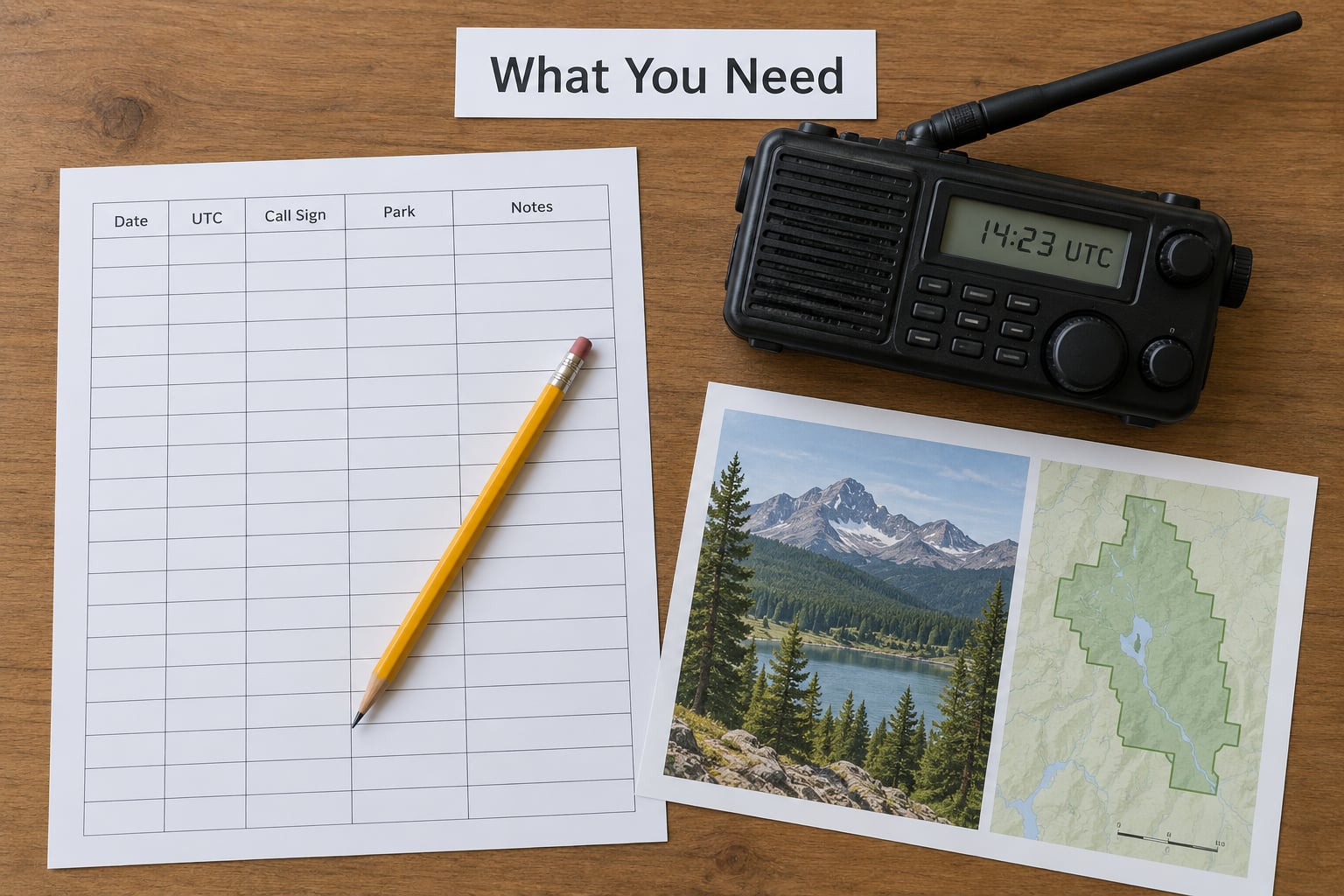
You need very little. No official POTA form is mandatory, no paid logging program is required, and a pencil still works fine.
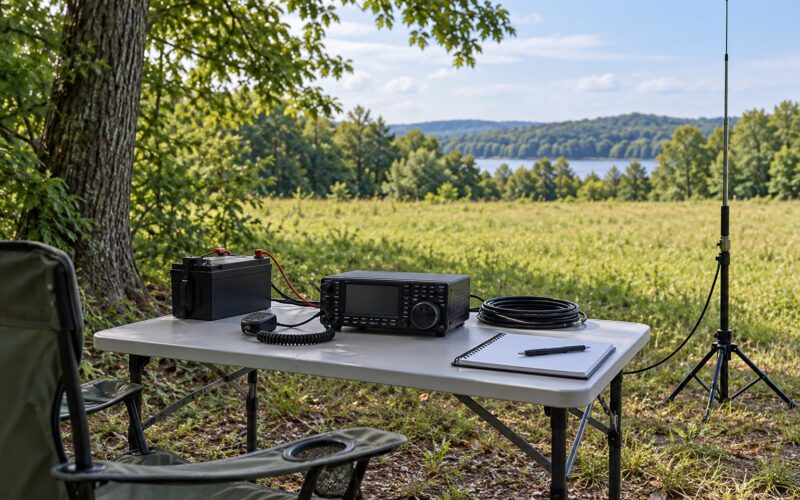
- A radio with a trustworthy clock. Check it against a time signal and set it to UTC before you transmit. Every timestamp in the log comes from this clock.
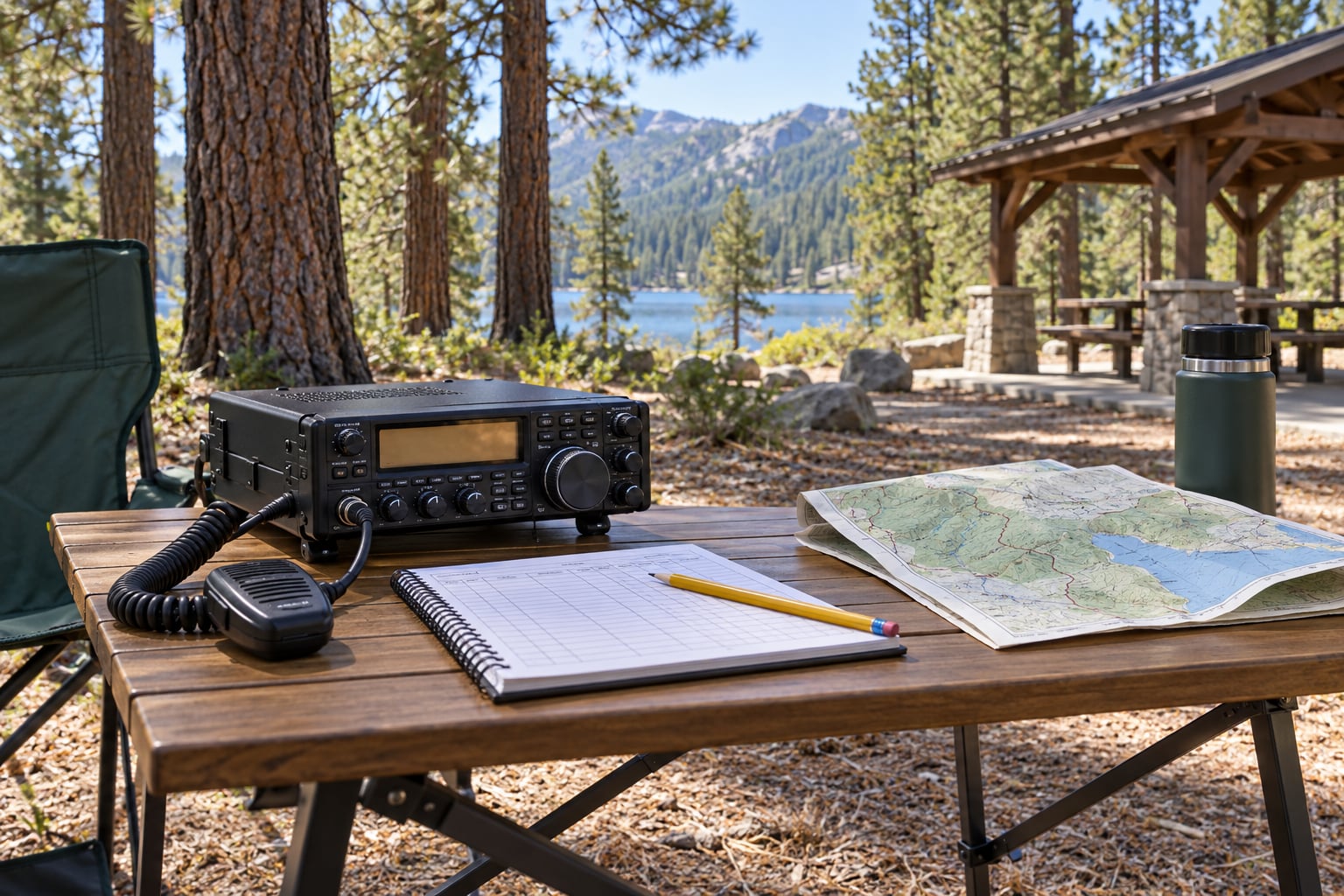
- Something to write on. A logging program on the laptop, a phone app, or a printed log sheet with columns for callsign, UTC date and time, band, mode, and signal report.
- The current park reference. Look it up on pota.app before you leave the vehicle, and write the full reference such as K-1234 or GB-0123 on your sheet.
- Your station details, entered once. Callsign, name, address, grid square, and rig. Typing these into a fresh log for every activation is where errors creep in.
- A backup path. A camera, a USB stick, or cloud storage. Field conditions turn paper into pulp and laptops into paperweights.
One more thing is worth doing: save your logger settings to a profile you can reload. Rebuilding a field layout in a parking lot in the dark is a waste of an hour of operating time.
Step-by-Step
How to Log POTA Contacts Correctly: The Workflow
The workflow runs in three phases: prepare before you transmit, capture during each exchange, then verify and back up after. Seven fields carry the weight in every phase: UTC date and time, callsign, your park reference, band, detailed mode, and the signal report you sent and received.
Everything else is optional detail. Get those seven right for every contact and the log will validate cleanly.
Prepare the Log Before Operating
Start a blank log before the first transmission, not after the last one. Enter your station details once so software can auto-fill them for the rest of the day.
Next, set the radio clock to UTC and confirm it against a reference. If the clock is off by five minutes, every contact in the log inherits the same error, and POTA matching depends on that time being right.
Then set up your park fields. In most loggers you map four ADIF fields: MY_SIG and MY_SIG_INFO hold your park, while SIG and SIG_INFO hold the other station’s park. Put your own reference in the MY pair, and leave the SIG pair empty unless you work a park-to-park contact.
Confirm the park is actually activated. Some parks have scheduled operating periods, and some require you to be within the boundary to count. A note from a friend who worked you is not an activation record.
How do you know the setup worked? Make one test entry using a time you can verify against the reference, then check that the park reference, UTC timestamp, and detailed mode all appear in the right columns. Delete the test entry afterward.
Record the Contact During the Exchange
Write the entry while the exchange is still fresh. Memory fills in blanks with plausible fiction, and a plausible-looking callsign is the one thing that cannot be corrected later.
Capture the other station’s callsign as it was sent, including any portable designator or differentiator. Then the UTC date and time, band, and mode. Signal reports go in as you hear them, not reconstructed at teardown.
If you exchange a serial number or grid square, write it down. Those extras are what let another operator confirm the contact later, and they cost you two seconds at the key.
Enter the POTA Park Details
Your park goes in MY_SIG_INFO, with MY_SIG set to POTA. This is the field POTA reads to decide which park you activated and where the credit lands.
SIG and SIG_INFO are only for park-to-park contacts, where both operators transmit from a park. If the station you are working is not at a park, leave both empty.
Record what you actually did, not what you planned. Driving through a park for a contact on the way to somewhere else is not an activation of that park. Conversely, transmitting from a picnic table inside the boundary counts even when it is not a formal park activity.
| ADIF field | What it holds | Example | Common mistake |
|---|---|---|---|
| CALL | The other station’s callsign | N0CALL | Transposed letters that look right but are not |
| QSO_DATE / TIME_ON | UTC date and start time | 20260904 1842 | Local time with no conversion |
| BAND | The operating band | 20m | A frequency with no band label |
| MODE | Detailed mode | SSB | Generic entries like Phone or Digital |
| RST_SENT / RST_RCVD | Signal report out and back | 59 / 57 | One report written over the other |
| MY_SIG | Program name for your location | POTA | Left blank |
| MY_SIG_INFO | Your park reference | K-1234 | Park name with no reference number |
| SIG / SIG_INFO | Other station’s park reference | POTA / GB-0123 | Filled in for every contact, not just park-to-park |
A real ADIF record for one contact looks like this:
CALL=N0CALL QSO_DATE=20260904 TIME_ON=1842 BAND=20m MODE=SSB RST_SENT=59 RST_RCVD=57 MY_SIG=POTA MY_SIG_INFO=K-1234
One line, no guesswork. When you read that back a month later, everything you need is sitting in the same order.
Add Signal Reports and Operating Notes
A signal report describes how your signal sounded, so both sides matter. Record what you sent and what you heard back in separate fields, so nobody has to guess which number was the return.
Operating notes are useful when they identify the setup rather than restate the weather. Antenna type, power output, and whether you were in a vehicle or on foot tell a reader something a mode string never will.
Keep it short. A note reading 20 watts into a wire at the picnic shelter earns its place; a paragraph of local scenery does not. The goal is a log another operator can read without translating it.
Review the Entry for Common Errors
Do a five-second pass before moving to the next contact. Read the callsign character by character against what you heard. Check that the time is UTC and sits between the previous contact and the next one.
Verify the band and mode match the mode you actually transmitted on. Then confirm the park reference is present in the MY fields, and that the two signal reports have not been written on top of each other.
If your logger flags a duplicate, do not dismiss it automatically. A duplicate contact counted twice can cost you more than it looks like it costs.
Confirm the POTA Activity Status
A station you hear across a crowded band is not automatically a valid POTA contact. Before you count it, confirm that the activity was live during your QSO, on a band and mode that count, with a station actually transmitting from inside the park.
Check the activity’s posted periods, its bands and modes, and any submission rules that apply to that park. Contacts outside those limits may pass through without earning credit.
| Scenario | Counts? | Why |
|---|---|---|
| Hunter works an active park station, different bands and modes | Yes | Counts toward hunter park, band and mode credits |
| Park-to-park with another operator in a different park | Yes | P2P credit for both sides |
| Same contact entered twice on the same band and mode | No | Duplicate; only one counts |
| You work yourself while in the park | No | Self-working is never valid |
| You work your own park reference | No | Self park-to-park is blocked |
| You hand the mic to another operator on the same station | No | Mic passing breaks the station identity |
For club activations, the callsign that transmitted belongs in STATION_CALLSIGN while the person operating belongs in OPERATOR. That split is how each member gets individual credit, and it is the field most often filled in backwards.
Back Up Paper and Digital Logs
Finish the backup before you tear down the antenna. Once you are driving, the details that fill in the blanks are gone.
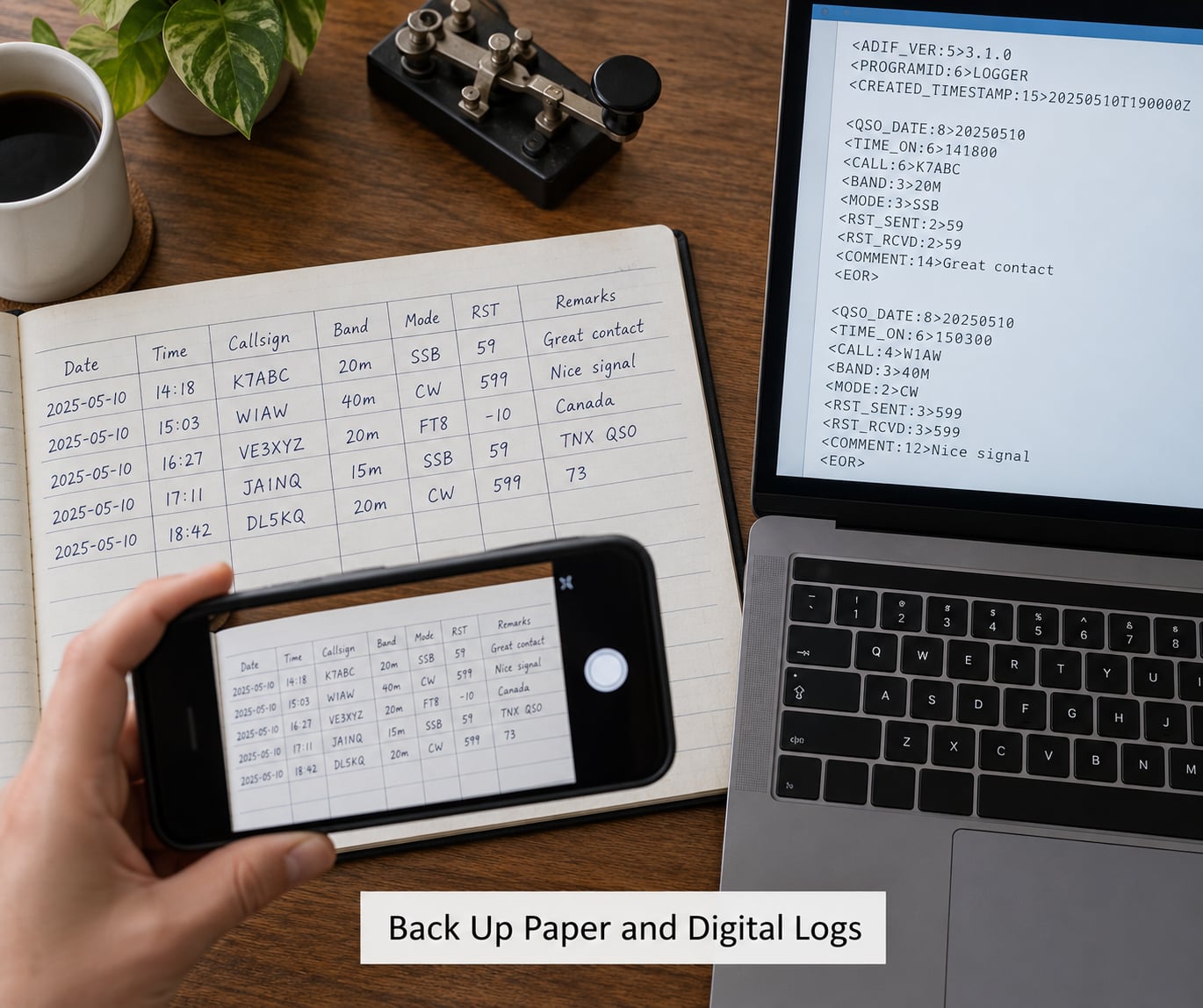
For paper logs, photograph every page while you are still parked. Check that each frame is sharp enough to read a callsign, because a blurred photo of a wet page helps nobody.
For digital logs, export an ADIF (.adi) file and keep the original. Save a second copy in a different place, and open the exported file once to confirm the fields survived the trip. An export that silently drops your park reference is a real failure mode, and it is invisible until you scroll.
Then upload through My Log Uploads on pota.app, or have your club submit to the club account. Only the activator submits a log; hunters are matched automatically once the activator’s upload is processed.
Keeping a copy means cross-posting the same file to Logbook of The World, QRZ, or Club Log costs you one extra click. Club Log and eQSL add little for POTA specifically, so treat them as optional.
Common Mistakes
These ten errors account for nearly every rejected or mismatched log, and each one has a simple fix.
- Mixed time zones in one log. Local time and UTC in the same file is the most damaging error, because nothing about the entry looks wrong. Some loggers default to local time, and a locked date field means you never notice. Check the timestamp against a known reference before the first contact and again at the end.
- Park names instead of park references. Writing the park name is not logging the park. POTA matches on the reference, so a contact logged as a location name contributes nothing. Use the full reference in the format the program publishes, including the leading zeros.
- One signal report instead of two. A single number leaves the reader guessing whether it was what you sent or what you heard. Two short fields remove the ambiguity entirely.
- Treating a hunted station as an activation. Hunters do not submit activation logs. Uploading a hunting session as an activation log creates records that cannot match anything, and the credit you wanted never arrives.
- Relying on screenshots alone. A screenshot of a contact screen is not a log. It has no exportable fields, no timestamps in a standard format, and no way to reach the duplicate check. Take the screenshot as a backup, not as the record.
- Ignoring the UTC-day rollover. One physical activation that crosses midnight UTC becomes two POTA activations, and the QSOs split with it. Nothing is invalid, but the two halves count separately and your totals read oddly. Note the split time in your log so you can explain the numbers later.
- Defaulting to your home location. Many loggers fill your grid square and address from the station record at home, which is exactly wrong for a portable operation. Overwrite the location fields with the park reference every time you load a field profile.
- Generic mode strings. Phone and Digital are categories, not modes. SSB and FT8 are modes, and POTA credits are tracked by mode. Correct the strings before upload and your band-and-mode totals will match your logbook.
- Nothing that confirms the contact. Record the exchange detail that makes a contact provable: a serial, a grid square, or a park reference in the other operator’s voice. Without it, a disputed contact stays disputed.
- Overwritten signal reports. Writing into the same box twice, or logging the received report over the sent one, leaves you with one usable value. Give each report its own line or field.
One more comes up often enough to mention: contacts with a park station made before its posted start time, or on a mode that does not count, pass through the system without earning credit. Confirm the activity’s current status and submission rules when you plan the trip.
Tips for a Cleaner POTA Log
Log at the moment of contact. The whole entry takes about fifteen seconds, and doing it later costs accuracy.
Write so a stranger could read it in dim light. Capital letters, clear digits, one line per contact.
Pick one band notation and stay with it. Consistency beats sophistication when someone is comparing logs across an activation.
Save your logger setup as a named profile so tomorrow’s session starts already configured.
Before you leave the site, reconcile paper against digital line by line. Every paper line should exist in the file, and every file line should exist on paper.
Photograph the pages, export the file, upload it, and check the upload count against your contact total. A mismatch means a bad row, and it is far easier to fix now than after the park data ages.
Frequently Asked Questions
Do POTA logs use UTC or local time?
POTA logs use UTC for every timestamp, without exception. Set your radio clock to UTC before you start and confirm it against a reference signal. Logging in local time is the most common reason an otherwise good log fails to match, because the program compares your times against other operators working the same activity. If you write on paper, convert to UTC as you log rather than afterward, and note the conversion once so you can check your work.
What information should I include in a POTA contact log?
Record the other station’s callsign, the UTC date and time, the band, the detailed mode such as SSB or FT8, the signal report sent and the one received, and your own park reference in MY_SIG and MY_SIG_INFO. Add the grid square, serial, or station description you exchanged, since those details let the other operator confirm the contact. Leave SIG and SIG_INFO empty unless the contact was park-to-park.
How do I record the park in a POTA log?
Your park goes into MY_SIG_INFO, and MY_SIG should read POTA. Use the full published reference including any leading zeros, for example K-1234 or GB-0123, rather than the park name. SIG and SIG_INFO are only for the other station’s park on a park-to-park contact, so they stay empty otherwise. If your logger has no dedicated field for these, map them onto generic Other fields and write down which slots you used.
Is a paper log acceptable for Parks on the Air?
Yes. A handwritten log is a perfectly valid starting point, and many portable operators work that way. The requirement is that the data be accurate and eventually transferred into a format the program can read, so plan to type the paper log into your computer after the activation. Photograph every page while you are still parked, and check that each image is sharp enough to read a callsign before you leave.
How do I back up a POTA log and export it to ADIF?
Export your log as an ADIF file with the .adi extension from your logging program, then keep that file in two places. Open the exported copy once and confirm the callsigns, UTC times, park reference, and modes all survived the export. Upload the file through the My Log Uploads section of pota.app, and compare the QSO count on the site against your own total. Cross-posting the same file to Logbook of The World or QRZ costs one extra click.
Do I need to log stations that are not participating in POTA?
You may log anyone you work, and doing so is normal practice for a general station log. What matters is that a contact with a non-POTA station will never earn POTA credit, so do not submit a hunting session as an activation log. Only the operator transmitting from a park submits the activation log. Once it is processed, hunters are matched automatically, so you do not need to upload anything for the park contacts you work.
Conclusion
Start with one thing: build the log before you transmit and set the UTC clock, the park reference fields, and the detailed mode once. Everything after that is habit — capture each contact during the exchange, confirm the activity was live and on a counting band, then photograph, export, and upload before you pull the antenna.
Those four habits, done every activation, are the whole difference between a log that validates and one that quietly turns into an afternoon of paperwork.