To find activity on the 20 meter band you need three things: the mode that matches the segment you are listening in, a fixed sweep order instead of random scanning, and a couple of tools that tell you where stations are right now. Set the radio to upper sideband, work 14.150 to 14.225 MHz slowly in 5 kHz steps, listen at 14.074 MHz for FT8 to confirm signals are getting through, and check the beacon network near 14.100 MHz before you decide the band is dead.
That last habit matters more than it sounds. A quiet band and a broken station look almost identical on the first night of a new setup, and most of the “dead band” complaints I have seen turn out to be one of those two.
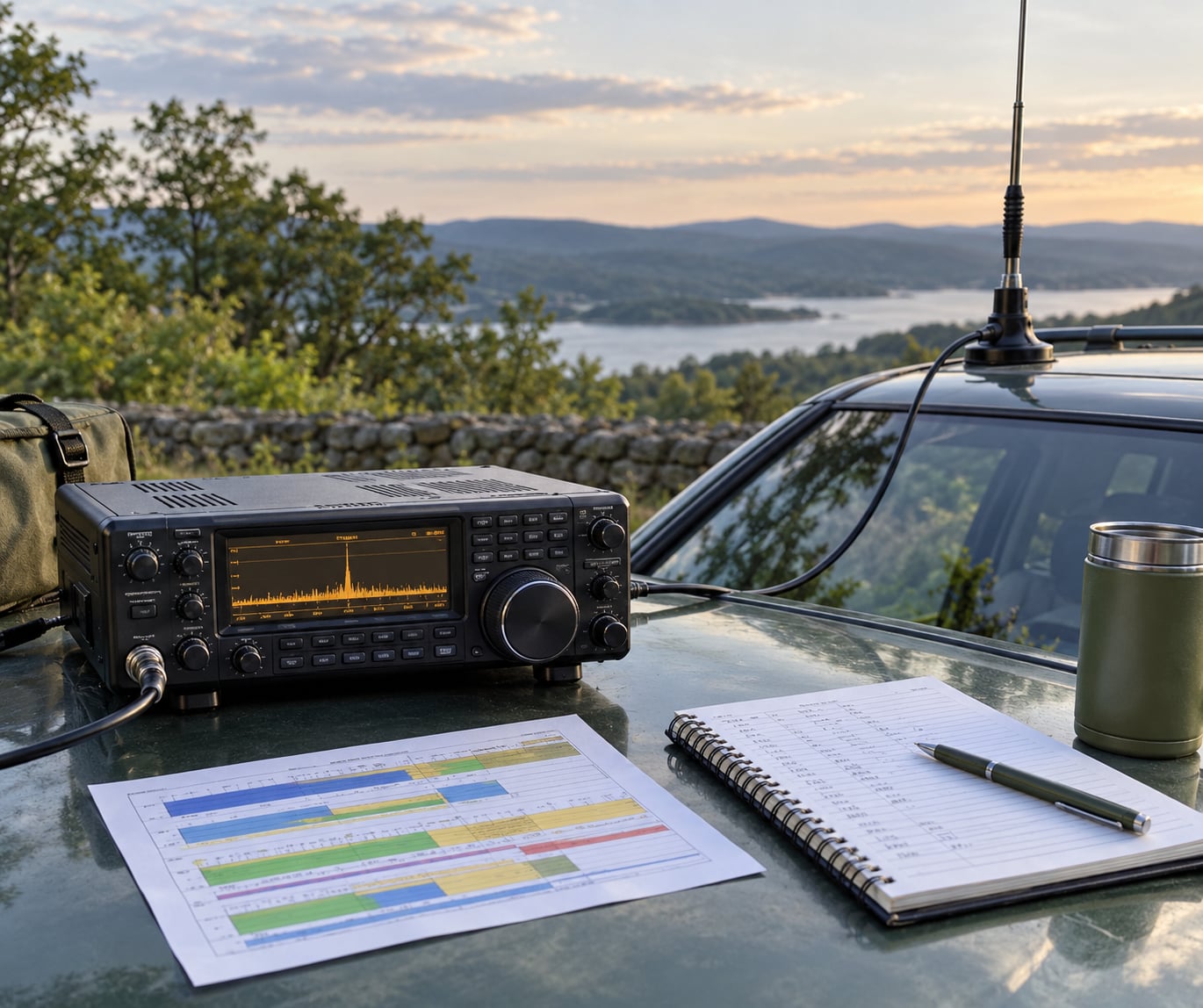
Here is the method I use, and it works whether you are at a desk with a beam or sitting in a car park with a whip.
Table of Contents
- 1What You Need
- 2Step-by-Step: How to Find Activity on the 20 Meter Band
- 3Step 1: Set Up for Reliable 20 Meter Listening
- 4Step 2: Know Where 20 Meter Activity Usually Appears
- 5Step 3: Tune Slowly Through the Band
- 6Step 4: Recognize Different Types of Activity
- 7Step 5: Check Propagation and Operating Times
- 8Step 6: Use Frequencies, Callsigns, and Logs to Follow Up
- 9Step 7: Confirm Activity and Record Useful Signals
- 10Common Mistakes
- 11Frequently Asked Questions
- 12What frequency range should I scan on the 20 meter band?
- 13What is the best time of day to find activity on the 20 meter band?
- 14Can I find stations on 20 meters with a short whip antenna?
- 15How do I tell a real station from electrical noise?
- 16Should I use SSB, CW, or digital mode when looking for activity?
- 17Why can 20 meters sound quiet even when the radio is working correctly?
What You Need
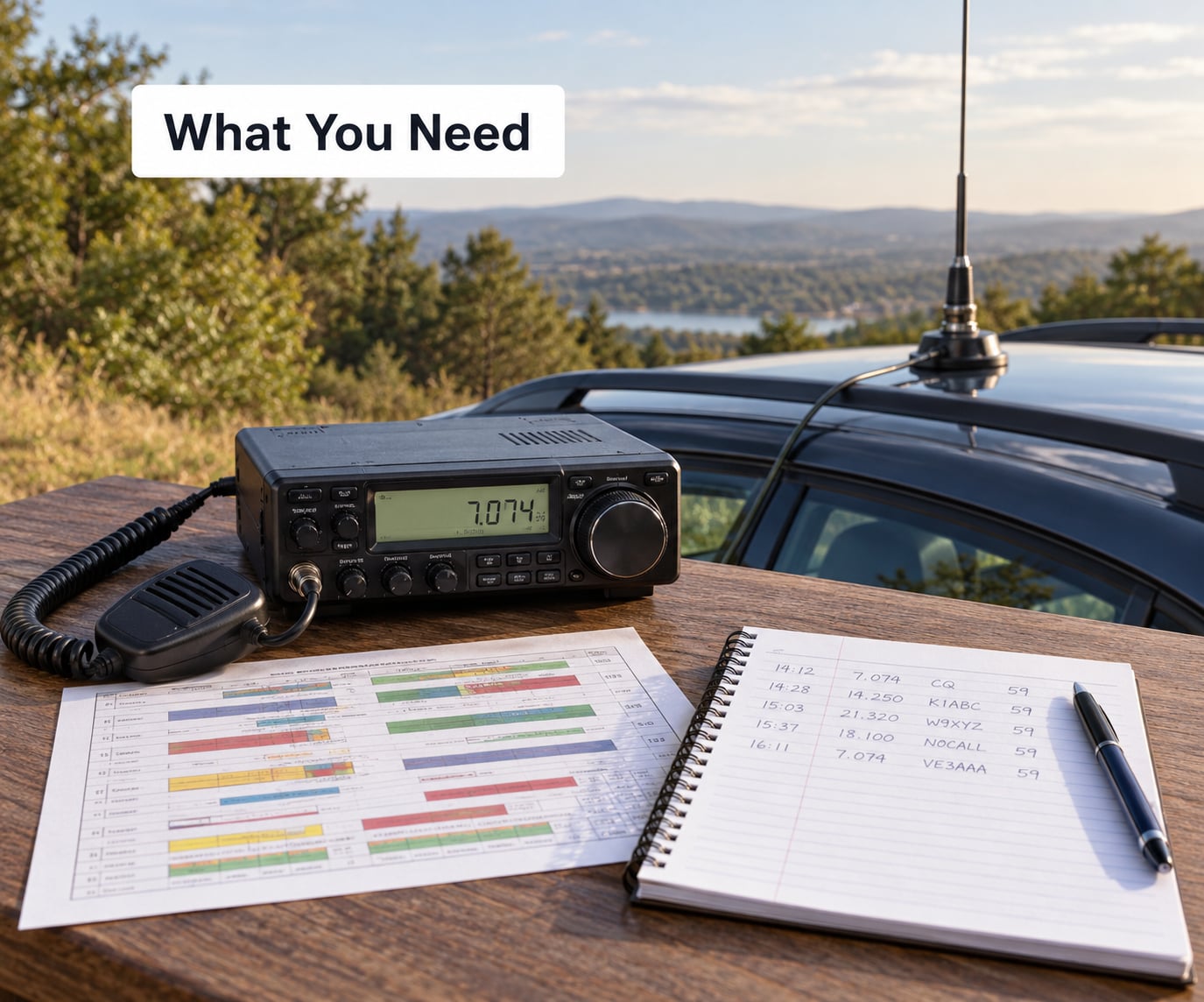
Any HF radio that covers 14.000 to 14.350 MHz will do. Everything else on this list makes the search faster or tells you whether the band is genuinely open.
- A radio with a real noise floor reading. If your transceiver has an S-meter, you get a pass or fail test. Most do.
- An antenna that actually works on 20 meters. A 33-foot or 10-metre wire is the classic answer. A 2-element 20m Yagi or a multiband dipole cuts the noise pickup noticeably.
- A DX cluster or spotter. DX-World and DXLoft are free and run in a browser, and they show who is on which frequency right now.
- A band-condition dashboard. DXLook and the 20m page at dxradar.com give you solar flux, a maximum usable frequency estimate and a region-by-region verdict without any guessing.
- A callsign lookup. QRZ.com or HamQTH turns an unfamiliar call into a name and a country in about five seconds.
- A log. A notebook works. A spreadsheet is better once you want to compare sessions.
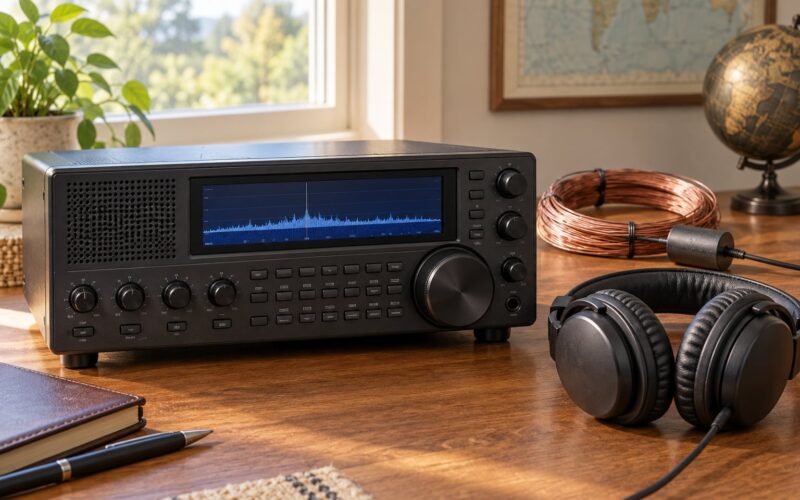
Waterfall displays are worth a look too. An SDR radio with a panadapter shows every signal on the band at once, so you can see activity that a step of audio tuning would walk straight past.
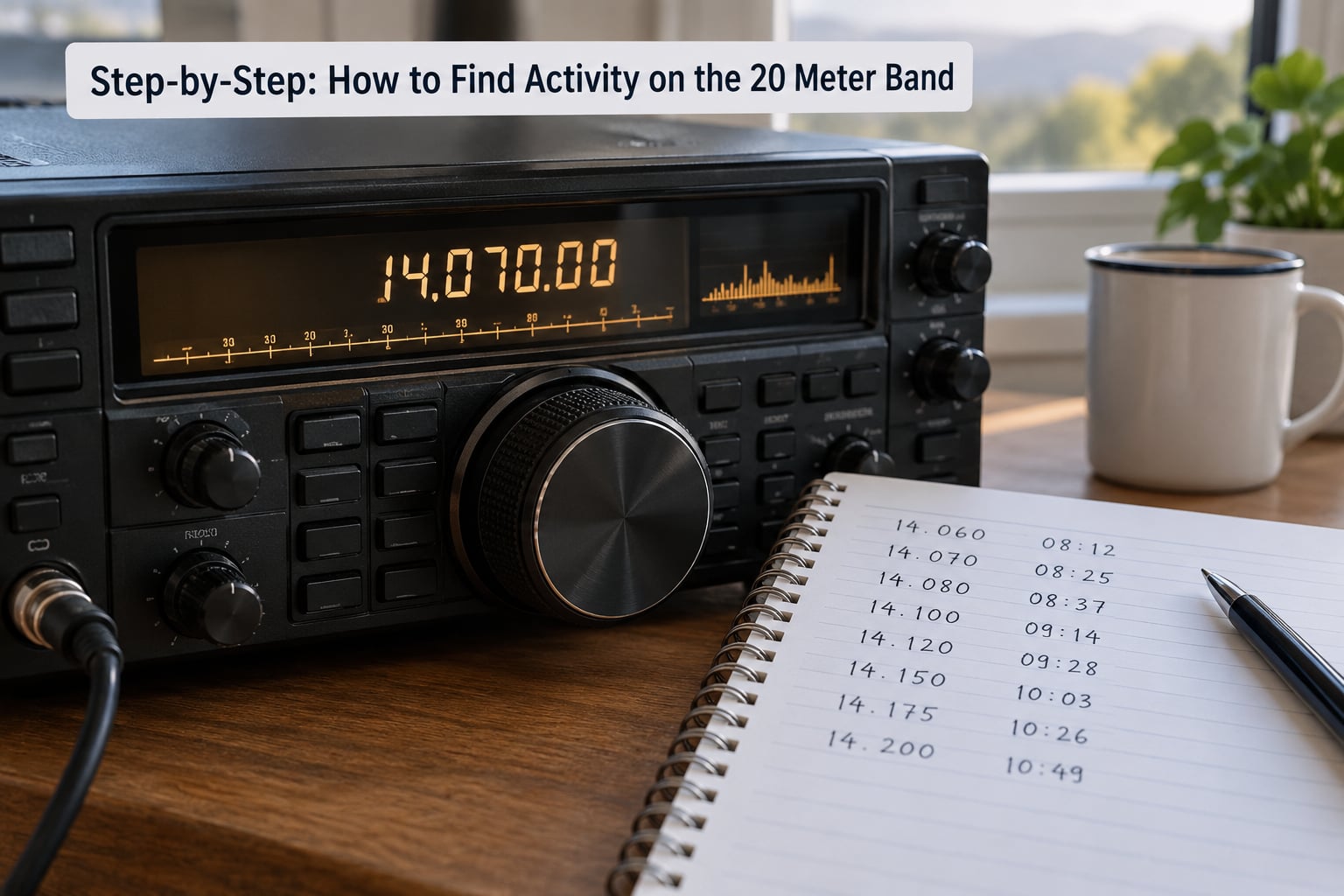
Step-by-Step: How to Find Activity on the 20 Meter Band
Step 1: Set Up for Reliable 20 Meter Listening
Before you tune, get the station honest. Check the coax connection and make sure the antenna is not sitting next to a power supply or a dimmer switch, because that noise arrives on 20m faster than anything else does.
Set the bandwidth sensibly. Roughly 2.4 kHz for SSB, 500 Hz or narrower for CW, and turn off any automatic noise blanker if your radio has one. A wide noise blanker will chew up weak signals along with the interference. If the static crashes are heavy, a narrow SSB filter plus manual gain control beats a blanker every time.
Then park the radio on 14.074 MHz in USB. That is the FT8 frequency, and it is the fastest single test of whether your station is hearing anything at all.
Step 2: Know Where 20 Meter Activity Usually Appears
Activity is not spread evenly across 14 MHz. It sits in a handful of segments, and the rest of the band is mostly empty by design.
| Segment | Frequencies | Mode | What you will hear |
|---|---|---|---|
| CW | 14.000-14.070 MHz | CW | Weak DX that SSB would lose, contest pileups, beacon signals near 14.100 MHz |
| Narrow-band digital | 14.070-14.112 MHz | PSK31 at 14.070, FT8 at 14.074, RTTY | Steady machine noise from stations you cannot hear on voice |
| Lower voice | 14.150-14.225 MHz | USB | General DX QSOs and semi-contest rag chewing |
| Upper voice | 14.225-14.350 MHz | USB | Contest stations, net frequencies, long-haul traffic |
Regional band plans differ here, so do not be surprised when a frequency that hums with activity in Europe is silent for you. The IARU and ARRL band plans are the reference; the practical rule is that 14.200 to 14.225 is the first place to look for informal DX and 14.225 upward is where weekend contests pile up.
Step 3: Tune Slowly Through the Band
Scan speed is the single biggest reason people decide a band is empty. A full 350 kHz sweep at the speed of a broadcast scan takes about two seconds, and almost every interesting signal is gone before the receiver settles.
Work in 5 kHz steps and stop on anything that breaks the noise. If you find a carrier that sounds like a steady tone, note the frequency, wait 20 seconds, and see if it comes back on a regular pattern. That is a beacon, and beacons tell you more about propagation than any dashboard.
Weak CW drifts as the ionosphere moves it. If a signal fades or slides in pitch, follow it up instead of abandoning it.
Step 4: Recognize Different Types of Activity
Real traffic has shapes, and once you know them you will stop mistaking noise for stations.
- Voice QSOs come in pairs. You hear one station saying a call, a pause, then another call answering. Three-way conversations sound exactly like that.
- Contest pileups sound like a wall of signals with no gaps and numbers exchanged constantly. Common on weekends across 14.225 to 14.350.
- Digital signals sound like musical warbling or bursts of tone. Steady and rhythmic, they are real traffic, not interference.
- Beacons send a repeating tone on a fixed schedule. The NCDXF and IARU beacon network operates near 14.100 MHz, with each beacon keyed on its own second, which makes it easy to identify.
- Nets run at a published frequency on a fixed schedule, so the calls you hear will repeat next week on the same frequency.
Step 5: Check Propagation and Operating Times
The maximum usable frequency, or MUF, is the highest frequency that will reflect off the ionosphere right now. When MUF drops below 14 MHz, 20 meters is geometrically closed and no amount of tuning will help.
That is the real reason 20m behaves the way it does. It is a daytime band: the F2 layer is strongest after sunrise and fades after sunset, so long paths appear and disappear on a schedule. The grey line is the brief period around sunrise and sunset when the path between two stations runs along the terminator, and long-distance work there often beats the middle of the day.
For a typical US-based operator, the pattern runs roughly like this. Treat it as a shape, not a timetable.
| UTC window | What 20m usually sounds like |
|---|---|
| 08:00-10:00 | Band coming alive. CW and digital recover first, then early voice contacts and long paths toward Europe and Africa. |
| 10:00-16:00 | Best transatlantic and north-south openings. This is the productive window of the day. |
| 16:00-20:00 | Asia and the Pacific open for North America late in the day. Contest-style pileups appear. |
| 20:00-24:00 | Band starts thinning. Long-path work to Europe is often best in the first half of this window. |
| 00:00-05:00 | Mostly closed for most of North America. Grey-line advantages for West Coast operators into Asia. |
Season matters as much as the clock. Winter paths are quieter and cleaner, with less static. Summer brings absorption during the middle of the day and loud atmospheric noise after dark, which is why people say they got through easier in winter.
Step 6: Use Frequencies, Callsigns, and Logs to Follow Up
Write down what you hear while it is happening: frequency, mode, call, UTC date and time, and an S-meter reading. Those five fields are enough to build a picture of your own band.
Look the calls up on QRZ.com or HamQTH. A prefix you did not recognise often turns out to be an island or a small country that just opened, which is the whole point of listening in the first place.
When you find something worth hearing, do not leave. Note the frequency and come back to it. If you run a cluster, you can post your own frequency, which is called self-spotting, and other operators will often work it and tell you what they heard.
Step 7: Confirm Activity and Record Useful Signals
Before blaming the band, run three quick tests. Listen at 14.074 MHz and see whether FT8 signals decode. Check the beacons near 14.100 MHz and note which ones you can copy. Then check your S-meter on an empty patch of band.
Operators in dense cities commonly report a 20m noise floor around S1 to S3, and S3 to S5 on 40m. If you are sitting at S7 or above on an empty frequency, something at your end is making noise, and the band has nothing to do with it. Photovoltaic inverters and cheap switching power supplies are the usual suspects.
If the noise floor is normal, you can hear beacons and FT8 decodes, but voice is quiet, the band is open and simply not busy right now. That happens. Five minutes later it may look completely different.
Common Mistakes
Assuming a frequency that was busy will be busy again. Activity moves by time of day, season and sunspot conditions. What you heard on 14.210 last Saturday may be dead tonight. Check your log for patterns instead of memorizing one number.
Scanning too fast. Tune in 5 kHz steps and pause at each one. You are listening for a pattern, not hunting for a signal.
Running the noise blanker wide open. It will flatten weak signals along with the static. Use a narrow filter and manual gain, or move the antenna further from electronics.
Wrong mode for the segment. Everything from 14.000 MHz up uses upper sideband, not lower. Using LSB on 20m is a common habit carried over from 40m and it makes a busy segment sound empty.
Giving up in the first fifteen minutes of portable operation. People arrive, hear an empty band, pack up. Give it a full session and log what you hear, because the quiet period before the opening is normal, not a verdict.
Not recording anything. Without a log you cannot tell a quiet week from a quiet month, and you will keep re-learning the same lesson.
Frequently Asked Questions
What frequency range should I scan on the 20 meter band?
Scan 14.000 to 14.350 MHz, working it by mode. CW sits below 14.070 MHz, narrow-band digital runs 14.070 to 14.112 MHz including PSK31 at 14.070 and FT8 at 14.074, and voice runs 14.150 to 14.350 MHz. Start at 14.150 and move up to 14.225 for general DX, then try 14.225 to 14.350 for contests and nets.
What is the best time of day to find activity on the 20 meter band?
Late morning through late afternoon UTC, roughly 10:00 to 20:00, when the F2 layer is strongest for most paths. The band starts recovering about two hours after local sunrise and fades within an hour or two of sunset. Grey-line periods near sunrise and sunset often bring the longest paths, and winter conditions are quieter and cleaner than summer.
Can I find stations on 20 meters with a short whip antenna?
Yes, though expect a noisier floor. A whip or a 33-foot wire works, and plenty of contacts come out on low power. What you lose is noise rejection, so use a narrow filter and a good feed-point choke rather than a wide noise blanker. If your S-meter on an empty frequency reads much above S3 in a city, fit the choke before blaming the band.
How do I tell a real station from electrical noise?
Signals are repeatable and structured. CW sends characters in groups, voice comes in alternating pairs of calls, digital modes sound like musical warbling, and beacons key a steady tone on a fixed schedule. Static crashes and power-supply noise are irregular, do not follow a schedule, and change character when you move the gain control.
Should I use SSB, CW, or digital mode when looking for activity?
Start with SSB on 14.150 to 14.225 MHz since it carries most casual traffic, but switch fast when it is quiet. CW below 14.070 hears weaker signals, and FT8 at 14.074 MHz is the fastest way to confirm the band is carrying anything at all. If FT8 decodes traffic, the band is open even when voice sounds dead.
Why can 20 meters sound quiet even when the radio is working correctly?
Three things are usually responsible: the ionosphere has shut the band down, the time of day or season puts you outside the opening, or your antenna and feed line are picking up local noise. Check the maximum usable frequency estimate on a band-condition dashboard, listen to the beacons near 14.100 MHz, and compare your noise floor against the S1 to S3 benchmark for an urban station.
Start with one habit tonight: put the radio on 14.074 MHz, check that your noise floor is around S1 to S3 on an empty frequency, then move up to 14.200 and listen properly for twenty minutes. Write down every call you catch with its time and frequency, and by the end of the session you will have a baseline that tells you whether a quiet night is normal for your station or something has changed.
That log is what turns 20 meters from a band that feels random into a band you can read.