NOAA weather radio sounds clear when three things line up: you are on the right local channel, the antenna is the full quarter-wave length for the 162 MHz band, and the receiver sits where the VHF signal can actually reach it. If you are wondering how to listen to NOAA weather radio clearly, fix those three in that order and most static disappears in about 20 minutes, most of it free.
The National Weather Service runs more than 1,000 NOAA Weather Radio (NWR) transmitters on seven channels between 162.400 and 162.550 MHz. Every one of them broadcasts 24 hours a day, free of charge, which is exactly why so many people want one in the house.
Table of Contents
- 1What You Need
- 2Step-by-Step
- 3Choose a NOAA Weather Radio Receiver
- 4Connect the Best Available Antenna
- 5Find the Right NOAA Station and Frequency
- 6Tune for the Clearest Signal
- 7Position the Receiver and Antenna
- 8Test Alerts and Verify Audio Quality
- 9Common Mistakes
- 10Frequently Asked Questions
- 11Why does my NOAA weather radio sound fuzzy or distorted?
- 12Can I listen to NOAA weather radio on a ham radio?
- 13What antenna works best for a NOAA weather radio?
- 14How do I find the NOAA weather radio station for my area?
- 15Does NOAA weather radio work without an internet connection?
- 16Why does my NOAA radio pick up another station instead of my local forecast?
- 17Conclusion
What You Need
You do not need much, but you do need to know which of these four items you already own. Most people who get scratchy audio are missing something on this list.
- A receiver that covers 162-163 MHz. A dedicated weather radio, a police scanner, a ham or shortwave set, or a software-defined radio all work. Anything sold as an AM/FM/WB radio with a weather band will do.
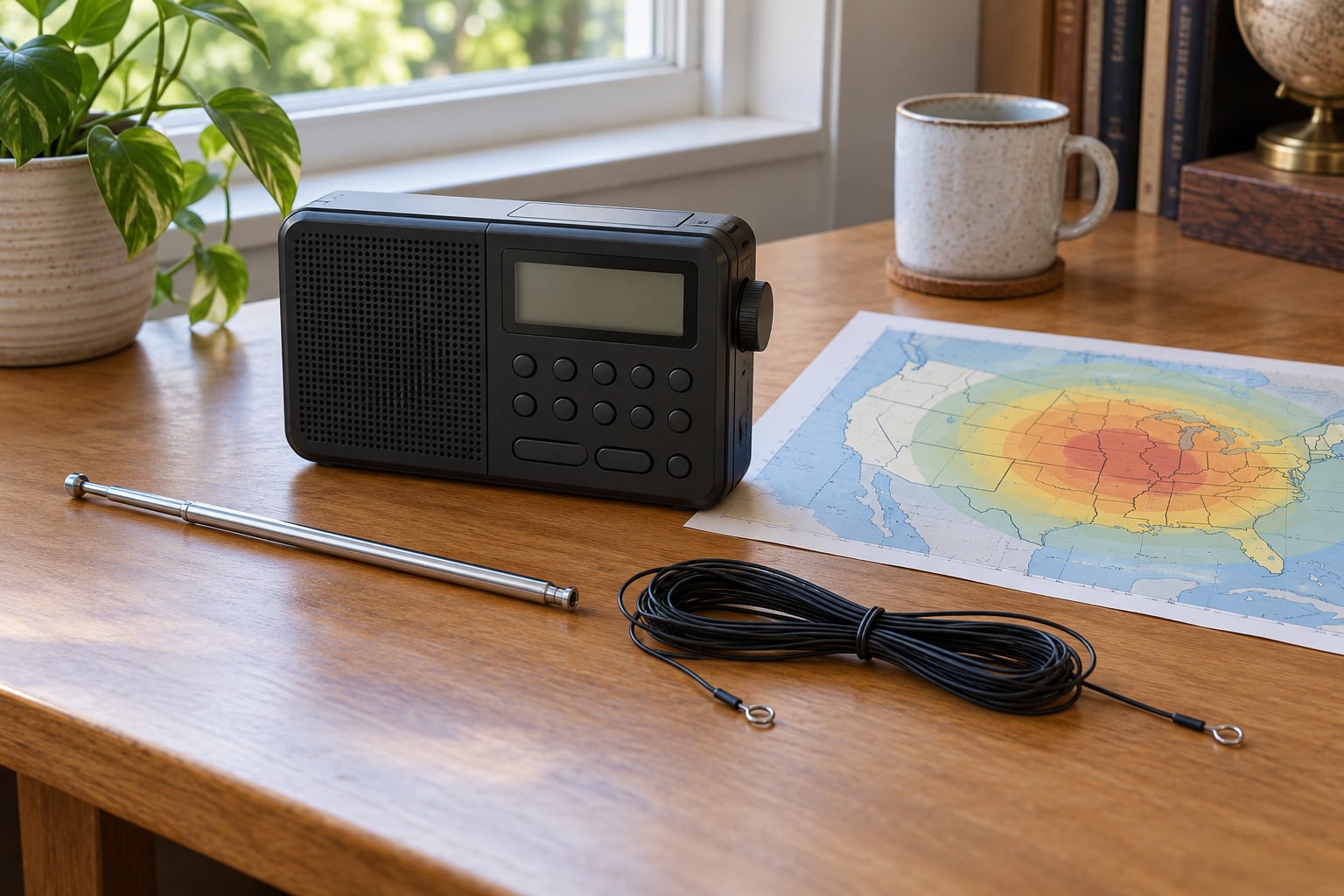
- An antenna long enough for the band. A quarter wave at 162 MHz is roughly 18 inches (46 cm), so the little 8-inch rubber duck most receivers ship with is a poor match. A telescoping whip, an old TV antenna, or a simple dipole all work better.
- Your SAME county code. NOAA Specific Area Message Encoding (SAME) lets the radio wake up only for the areas you care about. The county list is on weather.gov.
- A backup power source. Fresh batteries, a hand-crank radio, or USB charging. More than 80 percent of NWR transmitters have backup power that keeps them running 5 to 10 days, so your radio should not be the weak link.
A small screwdriver, some coax, and a phone with the weather.gov station map open are handy but not required. If you are stuck in a valley or behind a ridge, also keep in mind that no indoor antenna fixes terrain shadow, and we will say more about that below.
Step-by-Step
Run these six steps in order. Each one either confirms what you have or tells you what to change, and stopping early is how people end up buying a new radio that still sounds the same.
Choose a NOAA Weather Radio Receiver
Dedicated NOAA weather radios are the easiest option. They turn themselves on when a warning is issued, run on batteries, and many models take SAME codes so they stay quiet during alerts for counties you do not care about. Their weakness is sensitivity, which is the whole game at the edge of coverage.
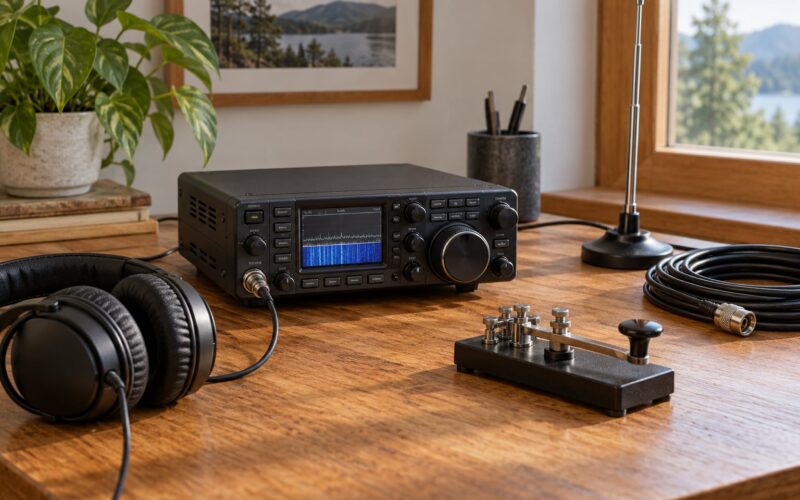
Scanners and ham radios are noticeably more sensitive receivers, and ham handheld transceivers with a weather band function perfectly well as NWR receivers. Listeners on ham and shortwave forums consistently report that the same location which yields two scratchy NOAA stations on a consumer weather radio yields four or five clean ones on a scanner or a handheld. If you already own one of those, you may not need to buy anything.
Software-defined radios such as an RTL-SDR with an SDR program are the diagnostic tool of choice, because they show you actual signal strength in dB rather than a guess. That is useful for testing antenna changes, and unnecessary for everyday listening.
Connect the Best Available Antenna
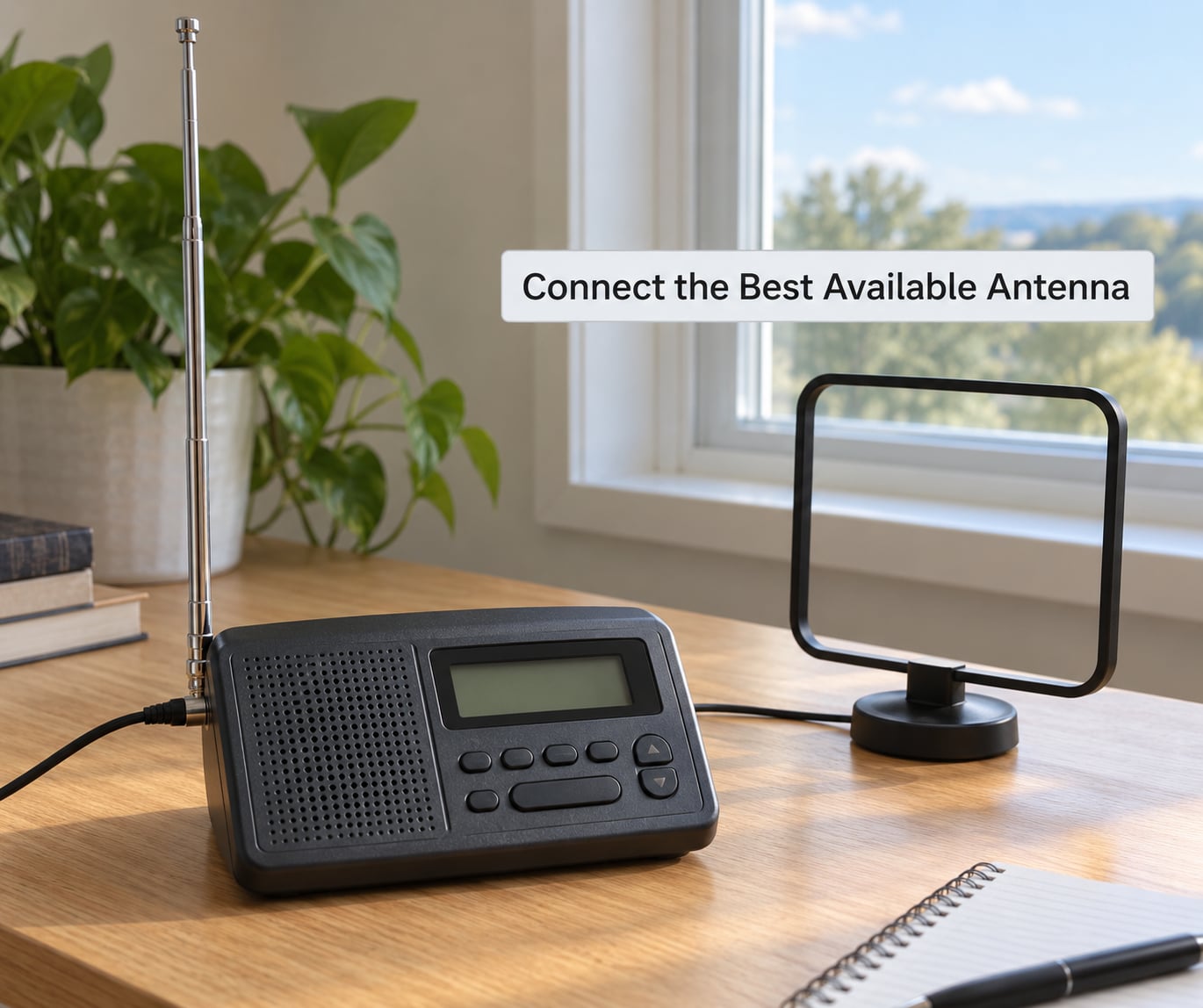
Waves at 162 MHz are about 6 feet long, so a quarter-wave element is around 18 inches. Anything close to that length gives you real gain in the right direction, and this is where most improvement is available. Start by fully extending the telescoping whip on your radio and listening again. That step alone fixes a surprising share of complaints.
If the whip is not enough, an old TV antenna is the cheapest upgrade, and it works because it was designed to receive VHF. A preamp at the mast is where the gain comes from, and it makes a real difference for listeners at the bottom of a valley where the stock setup delivers nothing but hiss.
A homebrew dipole is the step up after that. Off-center-fed dipoles are popular with weather radio listeners, and building one is a common way to jump from two marginal stations to a handful of solid ones without buying anything. A folding dipole in a hotel room is more than adequate; you do not need a purpose-built turnstile.
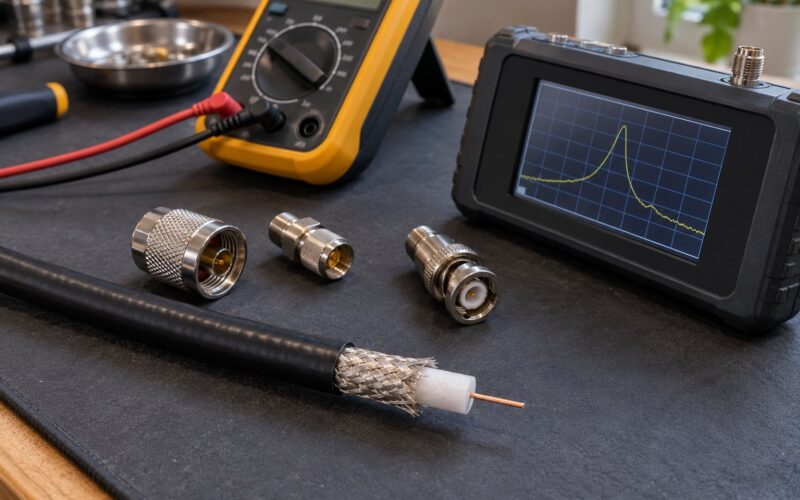
Two details matter more than the antenna model. Mount V-dipoles and dipoles broadside to the transmitter, which in the US is usually roughly north, and keep the feedline as short as practical since every foot of lossy cable eats signal. Match the connector to your radio, whether that is an SMA, BNC, or F connector.
Find the Right NOAA Station and Frequency
Start at weather.gov and use the NOAA Weather Radio transmitter listing for your state. It shows which transmitter covers your county and which of the seven frequencies that transmitter uses. That single lookup removes almost all guesswork, because channel numbers are assigned geographically and the same channel number can mean a different transmitter in the next state over.
If you would rather find it by ear, put the receiver in scan mode and step through all seven channels. Note which ones give you a voice and which give you only a carrier or hiss. Hearing two or three stations is normal; hearing seven from your chair is unusual.
| Frequency | What you usually hear | Note |
|---|---|---|
| 162.400 MHz | A regional or state-level forecast from the nearest NWS office | Some counties get their local forecast here instead |
| 162.425 MHz | A nearby transmitter or secondary site | Often the backup source for your area |
| 162.450 MHz | Assigned by region, not by a national plan | Check the weather.gov listing for your county |
| 162.475 MHz | Assigned by region | Channel numbers vary between states |
| 162.500 MHz | Assigned by region | Coverage maps differ per transmitter |
| 162.525 MHz | Assigned by region | Useful as a second station for redundancy |
| 162.550 MHz | NOAA Weather Radio All Hazards | Continuous official weather and alerts, carried by nearly every site |
Set up two stations if you can. Listening to your local transmitter plus one more distant station gives you backup if your primary site loses power or a road blocks the path.
Tune for the Clearest Signal
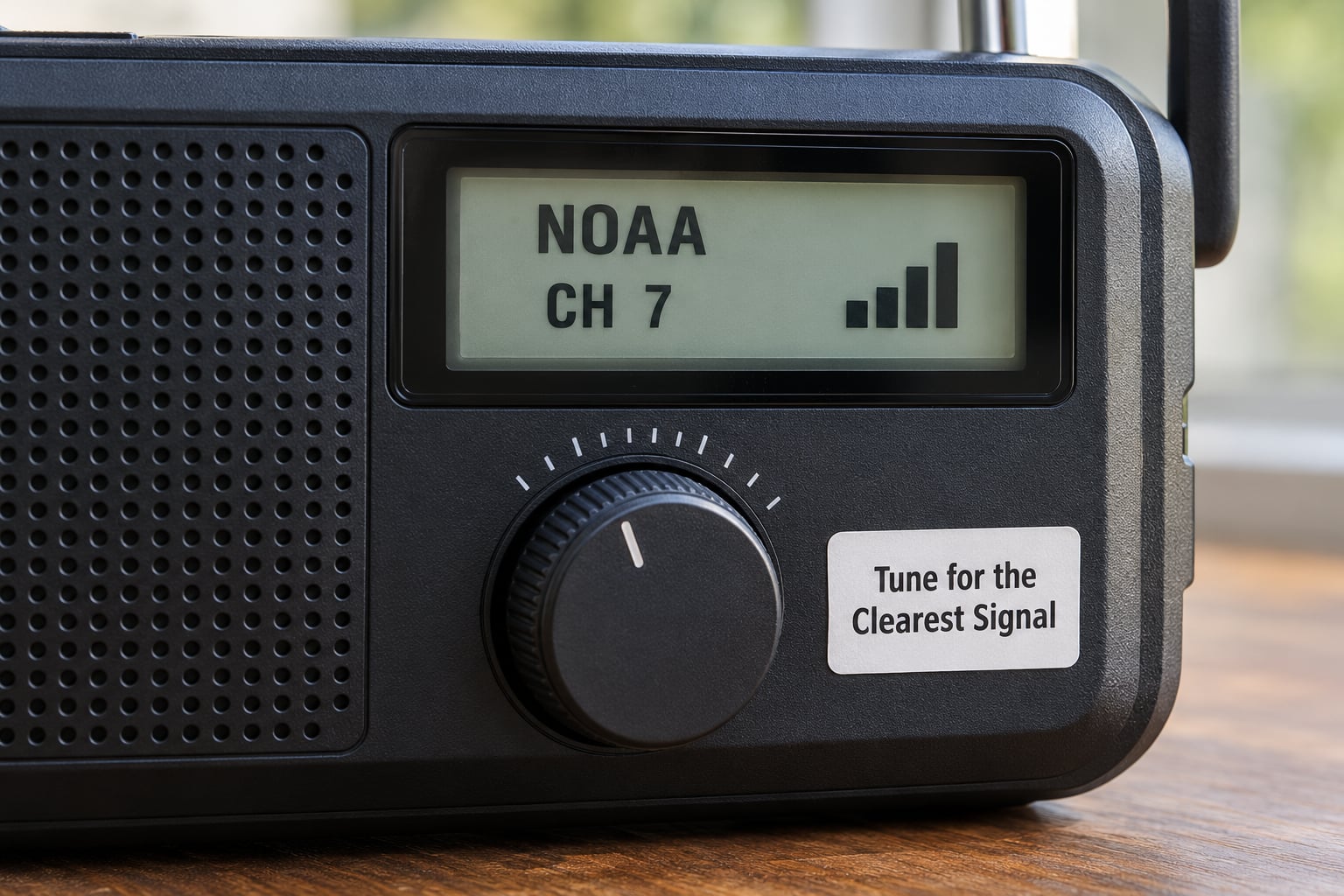
Set squelch to minimum before you touch anything else. Find your station by ear or on the signal meter, then raise squelch just until the hiss between words disappears. If you push squelch higher you get the classic complaint of full bars and no sound at all, which is the most common setting-related fault reported on weather radio forums.
If your radio or scanner has DSP noise reduction or a noise-blanker, switch it on before raising squelch much. It is built for exactly the steady hiss that shows up after dark. Keep the deviation and bandwidth on narrowband FM settings if the radio offers them, because NWR is a narrowband signal.
Turn the volume up, not the squelch, when a broadcast sounds weak. And if the voice is distorted but the signal meter looks strong, check the audio or tone control before touching the antenna. Sometimes the fix is one knob.
Position the Receiver and Antenna
NWR sits in the VHF band, which behaves like television. It wants a clear line of sight, and it hates metal. So the receiver belongs near a window, on an upper floor, and as far as practical from computers, LED lighting, kitchen appliances, and metal roofing.
Run the three-foot test. Move the radio three feet in one direction and listen, then three feet the other way. If the audio changes noticeably, you have found your problem, and you can now place the radio where it sounds best rather than where it looks tidy.
Keep in mind the physical limits. A metal roof or foil-backed insulation can cut a signal dramatically, and a basement can put a receiver behind several layers of concrete and rebar. Nobody has fixed that with an antenna inside the building. If you live in a valley with a ridge between you and the transmitter, move the receiver higher in the house or accept that you need a remote receiver or internet-based audio.
Test Alerts and Verify Audio Quality
Programming SAME takes two minutes and removes most of the alert fatigue people complain about. Set the radio to receive warnings only for your county, then deselect hazard types you never want to be woken for. If marine or Great Lakes warnings interrupt you constantly, switch that event code off.
Now listen to a full forecast cycle without touching anything. You are checking three things: that the voice stays intelligible start to finish, that the speaker or headphone jack is not distorting at volume, and that the 1050 Hz attention tone actually wakes the radio.
Finally, pull the power plug and confirm the radio runs on its batteries. Then trigger the test alert if your model has one. In tornado and hurricane after-action reports, the radio is repeatedly the one warning channel that still worked when cells and internet were down, which is the entire point of testing it before you need it.
Common Mistakes
Diagnose the noise before you buy anything. The type of noise tells you which part of the system is failing, and the table below maps the common ones.
| Symptom | Likely cause | Fix |
|---|---|---|
| Steady hiss under the voice, worse at night | Low signal plus natural noise floor after dark | Longer antenna, move to a window or upper floor, turn on noise reduction |
| Crackle and pops | Electrical noise from appliances, dimmers, or LED lighting | Move the radio away from the noise source, try a different outlet |
| Chirpy, watery, or ducking audio | Interference from another transmitter, or a detuned receiver | Retune slowly, check narrowband FM settings, move the antenna |
| Strong meter reading but no sound | Squelch too high, muted speaker, or wrong audio path | Open the squelch fully, raise volume, check headphones or speaker |
| Carrier detected but no voice | Wrong channel for your area, or a distant transmitter too weak for audio | Verify your frequency on weather.gov and scan all seven channels |
| Nothing after a storm or outage | Dead batteries or a surge-damaged radio | Replace batteries, test the alert, use a surge-protected outlet |
A few other mistakes come up repeatedly. One is assuming the radio is broken because only one channel works, when transmitters are geographically sparse and the other six channels may simply have nothing near you. Another is leaving the stock short whip extended for an afternoon and calling it a reception test.
Do not rely on a single warning source either. Phone alerts through WEA or CMAS cover some areas and not others, and cellular networks get overloaded exactly when the weather turns dangerous. Radio, phone alerts, and local broadcast should be redundant.
Frequently Asked Questions
Why does my NOAA weather radio sound fuzzy or distorted?
Fuzzy or distorted audio almost always comes down to a weak signal, a noisy environment, or a misadjusted squelch. Extend the whip fully, move the receiver near a window, and check that squelch is open just enough to silence the hiss between words. If the meter reads strong but you hear nothing, the squelch is too high.
Can I listen to NOAA weather radio on a ham radio?
Yes. Any ham transceiver, receiver, or handheld covering 162-163 MHz receives NOAA Weather Radio, and most modern ones list the seven weather channels in the menu. Ham and scanner receivers are generally more sensitive than dedicated consumer weather radios, so if you own one, it may hear stations your weather radio cannot.
What antenna works best for a NOAA weather radio?
An antenna roughly a quarter wave long at 162 MHz, about 18 inches, performs best. A fully extended telescoping whip is the easy start, an old TV antenna with a preamp is the cheap upgrade, and a homebrew dipole gives the most improvement for little money. Match the connector and keep the feedline short.
How do I find the NOAA weather radio station for my area?
Go to the NOAA Weather Radio transmitter listing on weather.gov and look up your county to see which transmitter covers you and which of the seven frequencies it uses. To verify by ear, put your receiver in scan mode and step through all seven channels, noting which ones give you a clear voice.
Does NOAA weather radio work without an internet connection?
Yes. NWR is a broadcast, not a data stream. It keeps working when the power goes out, cell towers get overloaded, or the internet fails, which is why it is recommended as a backup warning source. Your radio still needs batteries, so check them before every storm season.
Why does my NOAA radio pick up another station instead of my local forecast?
Usually your local county is served by a different channel than the one carrying the regional forecast, and at night that distant station can come in stronger through tropospheric opening. Check the transmitter listing for your county, program the correct channel, and treat the stronger out-of-area station as a bonus rather than a fault.
Conclusion
Start with the free fixes: look up your county on weather.gov, tune the matching frequency, extend the whip fully, and run the three-foot placement test in the room where the radio will actually live. If the voice is still not clean after that, move up to an external antenna before considering a different receiver.
Then program your SAME county code and trigger a test alert. A weather radio you have never verified is just furniture, and twenty minutes of setup is a cheap price for warnings you can actually hear. Tune in 2026 and let us know which channel your area uses.