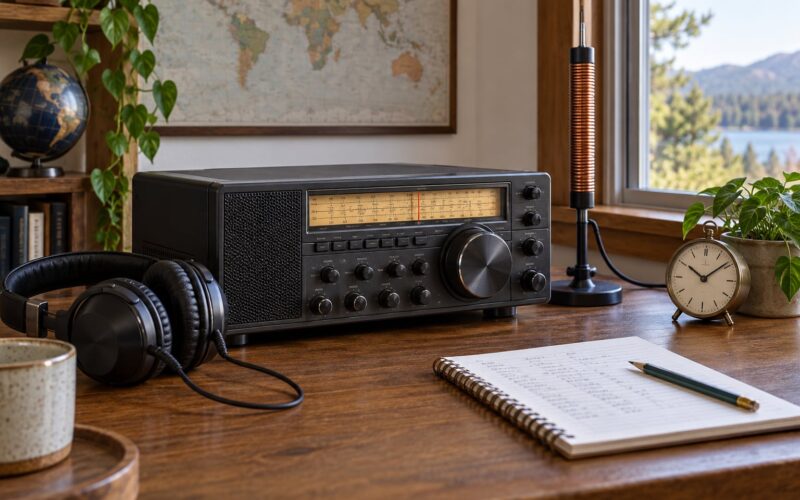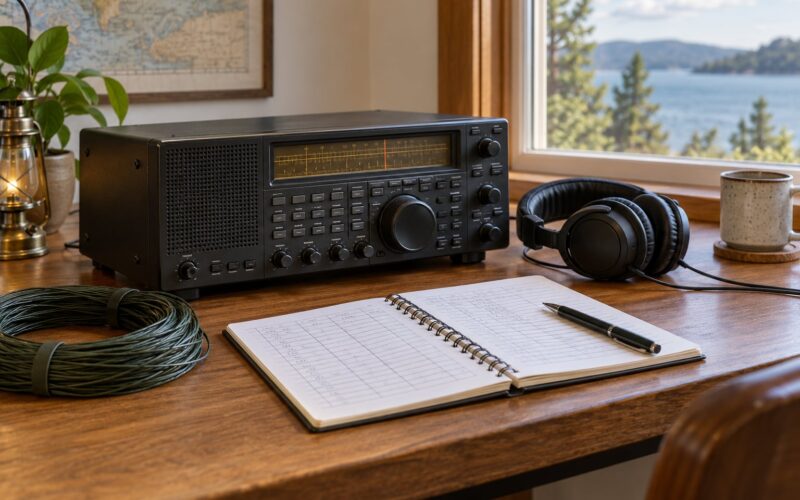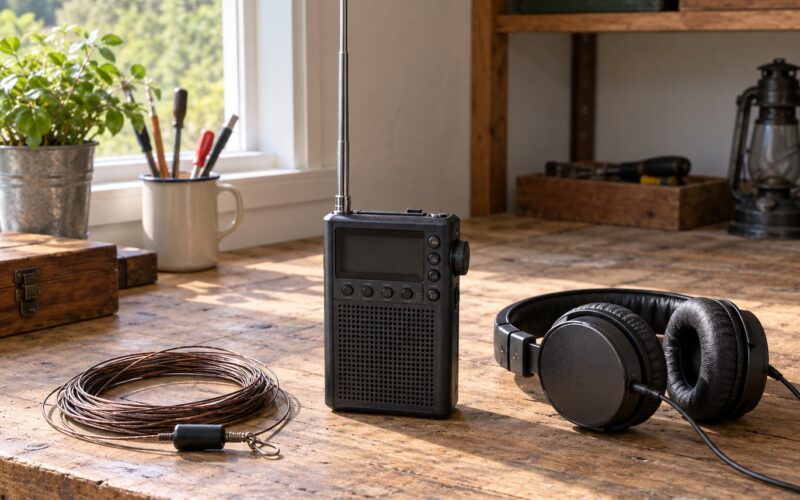
Logging shortwave stations you hear means writing down six things the moment a station identifies itself: the UTC date, the UTC time, the exact frequency in kHz, the station name or call sign, a signal rating such as SINPO, and the receiver and antenna you were using. Add a few details on what the station was broadcasting and you have an entry you can verify months later.
It takes maybe 90 seconds per station, and shortwave listening (SWL) without a written record is just tuning around. A logbook is the only thing that turns a passing signal into evidence, and it costs nothing to keep.
You do not need a licence to receive shortwave or to keep a log of what you hear. A large share of regular listeners never transmit a thing. If you want to go further and write to broadcasters for QSL confirmation cards, that works without a licence too.
Table of Contents
- 1What You Need
- 2Band-by-band quick reference
- 3How to Log Shortwave Stations You Hear Step by Step
- 41. Prepare Your Receiver and Log
- 52. Record the Basic Station Details
- 63. Identify and Describe the Station
- 74. Mark Signal Conditions and Reception Changes
- 85. Verify and Review the Entry
- 9Common Logging Mistakes
- 10Frequently Asked Questions
- 11Do I need a licence to log shortwave stations?
- 12Should I use UTC or local time in a shortwave log?
- 13What should I record if I cannot identify the station?
- 14What does SINPO mean in radio?
- 15Is a paper logbook better than an app for shortwave?
What You Need
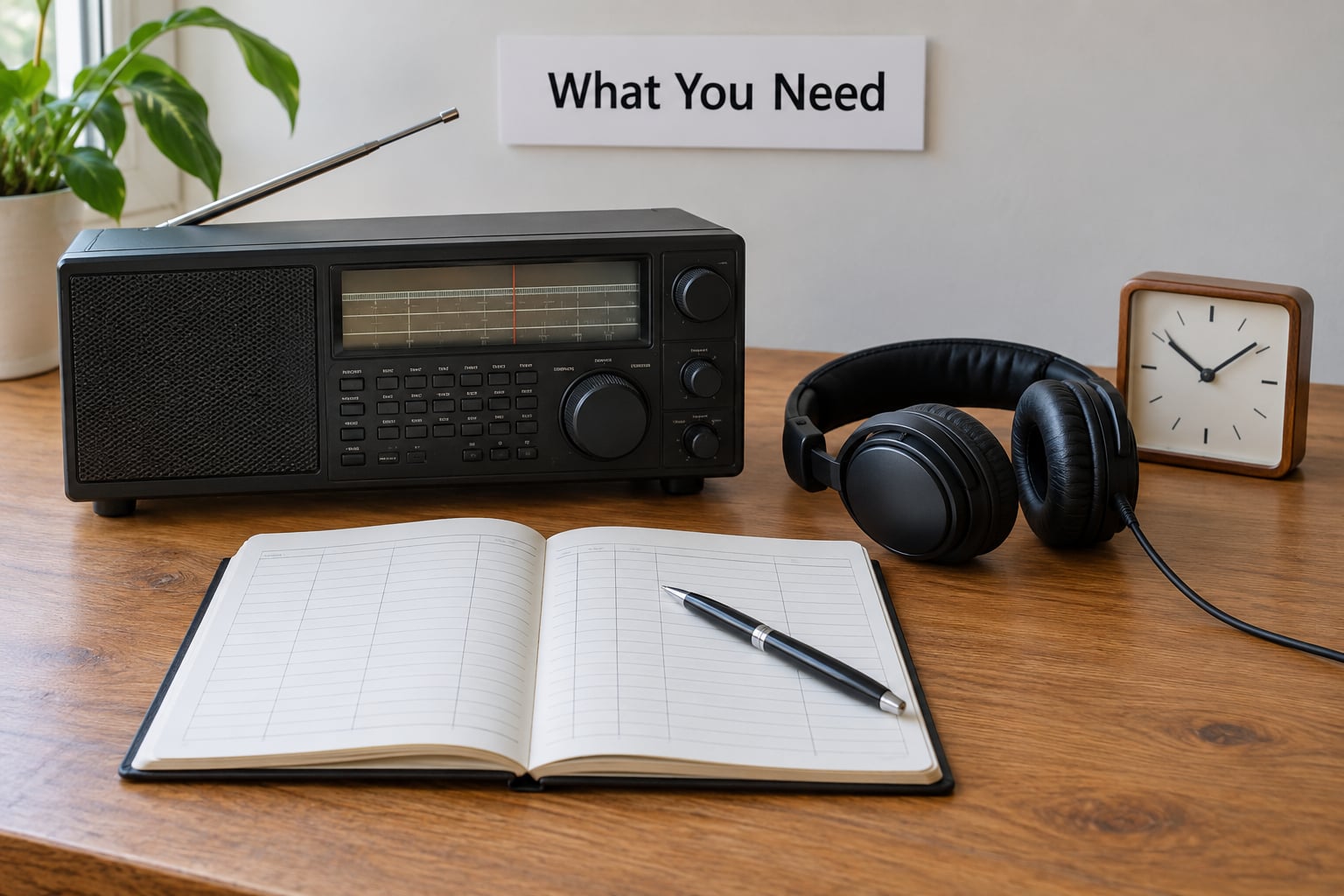
None of this is specialised. If you have a receiver, a clock and somewhere to write, you have everything the job requires.
- A receiver or transceiver covering the HF bands. Stability matters more than sensitivity when it comes to logging, because a drifting dial makes your frequency note wrong.
- An accurate UTC clock. A phone with network time is fine. A cheap radio-controlled clock is better if you listen for hours.
- Headphones. Interval signals and low-level numbers stations are much easier to catch quietly.
- A log. Paper, a spreadsheet, or a logging program. Pick one and keep the same field order every time.
- A frequency reference. The band table below, plus a broadcast schedule such as EiBi or short-wave.info in a second window.
Shortwave is more forgiving of a simple antenna than most people expect, so the setup is not the bottleneck. If reception is noisy, fix the noise before you blame the log, because a poor signal-to-noise ratio makes every rating in the log unreliable.
Band-by-band quick reference
| Band | Approximate range (kHz) | What you will log there |
|---|---|---|
| 49m | 4750 to 4870 | Tropical and regional broadcast, often weak and fading |
| 41m | 4520 to 4900 | Regional relays and some utility stations |
| 31m | 9400 to 9900 | Reliable daytime propagation, the easiest band to work |
| 25m | 11600 to 12100 | Broadcast, often open late into the night |
| 22m | 13570 to 13870 | Utility, time signal and amateur traffic |
| 19m | 15100 to 15600 | International broadcast, good for beginners |
| 16m | 17480 to 17900 | Occasional broadcast, plenty of amateur |
| 15m | 21450 to 21850 | Broadcast and amateur, highly variable |
| 13m | 21700 to 21980 | Amateur bands, thin on broadcast |
| 11m | 25600 to 26100 | Broadcast, often the busiest evening band |
| 9m | 28000 to 29700 | Dense band, plenty of identifiers to chase |
How to Log Shortwave Stations You Hear Step by Step
The workflow below is the one I wish someone had handed me on my first evening of listening. It takes an entry from a bare frequency to a record a broadcaster can actually check.
1. Prepare Your Receiver and Log
Set the radio to the frequency, note the sideband you are on, and confirm the clock against UTC before you start rather than halfway through. Squelch off is better for weak signals, and use the widest bandwidth that still avoids adjacent interference.
Open your log with the column headers already written, whether that is a paper page or the first row of a spreadsheet. Deciding field order on the fly is where consistency dies.
2. Record the Basic Station Details
These six fields are the minimum viable entry. Write the time when the station identified itself, not when you happened to tune across it.
- Date in UTC (DD-MM-YYYY or YYYY-MM-DD, but pick one and stay with it).
- Time in UTC, to the minute, plus the end time if you stay listening.
- Frequency in kHz, tuned to the nearest 1 kHz or 0.5 kHz if your receiver resolves it.
- Station identity: call sign, station name, or “unidentified” if you have not worked it out.
- Signal report, usually a five-digit SINPO code, described in the next section.
- Receiver and antenna, short form is fine. “Tecsun PL-990x and a 43m wire” is plenty.
Add language and programme content as soon as you have them. A note like “English, male announcer, interval signal at :00, then pop music” is what a station can verify, and it is the strongest single predictor that you will get a reply.
3. Identify and Describe the Station
Open EiBi or short-wave.info and search by frequency and time. The EiBi web view only shows what is on air right now, which is exactly why you sometimes tune to a frequency and hear nothing. Download the plain text or CSV version instead, because it lists every frequency including off-air slots, and you can pre-tune before the broadcast window opens.
For consolidated worldwide schedules, Dan’s SWskeds spreadsheet collects EiBi data along with other broadcast schedules and adds power and transmitter site. It is a spreadsheet, not a program, and it opens slowly, but it beats scrolling through web pages.
Record the target area and transmitter site once identified. If nothing matches, log it as unidentified with everything you do know: frequency, time, language, gender of the announcer, type of interval signal, and whether it repeats on a schedule. Unidentified entries are normal on a good evening, and they often resolve weeks later when you look again.
4. Mark Signal Conditions and Reception Changes
Shortwave changes by the minute, so a rating taken 20 seconds after tuning tells you very little. Listen five to ten minutes before you rate anything, then note how it behaved.
The SINPO code gives five numbers, scored 1 to 5:
| Score | S | I | N | P | O |
|---|---|---|---|---|---|
| 5 | Perfect | No interference | Inaudible noise | No fading | Excellent |
| 4 | Clearly readable | Slight noise | Audible noise | Fading rarely | Good |
| 3 | Readable | Noticeable interference | Continuous noise | Fading often | Fair |
| 2 | Difficult to read | Strong interference | Rushing noise | Fading constantly | Poor |
| 1 | Unreadable | Overwhelmed by interference | Noise overwhelms signal | Continuous fading | Very poor |
Two rules make a report credible. The Overall score never exceeds the lowest of the other four, and you rate what the station is meant for. A 2 for readability is fine for a utility station talking to mobiles, as long as you note that the transmitter is narrowband.
A worked pair: 45444 means a clearly readable signal, barely any noise, no fading, excellent overall. 32322 means a readable signal with noticeable interference, continuous noise, frequent fading, and only a fair overall impression. If you rated it from memory a month later, do not. Write the code while listening.
Note whether interference is man-made or atmospheric, whether the signal faded, and whether it improved or weakened across the period. A longwire versus a whip produces completely different noise floors, and without a note you will not know which one produced that rating.
5. Verify and Review the Entry
Cross-check the entry against the schedule after the session, not during it. If the station transmitted on a different frequency than the schedule says, your log is now more accurate than the schedule, and that is worth recording.
Mark provisional details clearly with a question mark or an asterisk so you can update them later. An updated entry is normal practice, not cheating.
Anything you send to a broadcaster should be verifiable. That means frequency, exact UTC time, the signal report, and programme content the station can check. State plainly that you are an unlicensed listener, and fill in the receiver and antenna, because verification engineers ask what they are grading your report against.
Common Logging Mistakes
Logging local time instead of UTC. This is the single most common error, and it makes entries impossible to verify months later. Broadcast schedules run on UTC, so convert once and never again. If your region does not observe daylight saving, the offset never changes all year.
Logging only the frequency. A list of frequencies with no times tells you nothing. Time plus frequency plus rating is the minimum that carries information.
Confusing signal strength with reception quality. A station can be loud and unusable because a local transmitter is pumping away underneath it, and a quiet station can be perfectly readable in a low noise floor. The N and I columns exist precisely to separate those.
Skipping mode and sideband. Add “AM” or “SSB” and the sideband. Utility stations on lower sideband and broadcasts on AM are different services sharing the same band, and you will match the wrong schedule entry without it.
Guessing the station from the frequency alone. Many stations relay each other and move between frequencies between seasons. Cross-check the schedule and mark unconfirmed identifications as provisional.
Never updating provisional entries. Block out ten minutes at the end of each session to revisit anything you marked unidentified. Most of those resolve once you compare them against a different day’s schedule.
Rating on the short listening rule. Give it five to ten minutes. A signal that is fading badly can clear completely, and a strong one can drop away, and neither represents the reception you actually had.
Using contest loggers for broadcasts. Most ham logging software assumes two-way contacts with callsigns, grids and exchanges. SWL programs such as SWL Logger, or a plain spreadsheet, fit broadcast listening far better. Always check the export path before you commit, and keep a backup you own.
Frequently Asked Questions
Do I need a licence to log shortwave stations?
No. Receiving shortwave broadcasts needs no licence anywhere, and keeping a log needs none either. Most regular shortwave listeners never transmit. You can also write to broadcasters for a QSL confirmation card without a licence, as long as your reception report is verifiable and you say plainly that you are an unlicensed listener.
Should I use UTC or local time in a shortwave log?
Use UTC, every time. Broadcast schedules are published in UTC, so a UTC entry can be checked against a schedule months later and a local time entry usually cannot. Convert once when you set up the log and never think about it again. Write the UTC date as well as the time, because a reception that starts before midnight will otherwise be filed under the wrong day.
What should I record if I cannot identify the station?
Log it anyway, and mark it unidentified. Record the UTC time, frequency, mode, language, the type of interval signal, and details of the announcer, then note whether it repeats on a regular schedule. Unidentified entries are normal and frequently resolve later. Revisit them once a week against a fresh schedule download, and check the same frequency in the off-air periods to see if it moves.
What does SINPO mean in radio?
SINPO is a five-number code rating a reception. S is signal strength, I is interference, N is noise, P is fading, and O is overall. Each is scored 1 to 5, where 5 means the problem is absent. The two rules that matter: the Overall score never exceeds the lowest of the other four, and you rate the signal for the type of service it is, not against a strong broadcast standard.
Is a paper logbook better than an app for shortwave?
Neither is better in principle. Paper is faster at the moment of reception, works with no power and no distractions, and still holds up if a device dies, but it cannot be searched or sorted. Spreadsheets and SWL logging programs give you filtering, band reports and CSV export, at the cost of setup time and a device to charge. The deciding factor is whether you will actually keep filling it in consistently.
Start tonight with paper or a spreadsheet, one row per station, and those six fields in the same order every time. Set your clock to UTC before the first entry, not after. Everything else in this guide is refinement, and a plain log with honest times beats a clever system you abandon in a fortnight.