Knowing how to hear time signal stations on shortwave is simpler than most people expect. You tune an HF-capable receiver to a published carrier frequency, switch to the AM mode, extend the antenna, and wait for the spoken UTC announcement and the ten-second tone that marks the top of each minute. Start with a NIST station such as WWV on 15 MHz during daylight or 5 MHz after dark, and give it a few minutes of quiet listening. It takes about ten minutes from opening the box to a working reception, and no licence is needed to listen.
The reason time signals make such a good first station is that nothing else in shortwave is this forgiving. There is no broadcast schedule to check, no target language, no ID test, and the carrier is strong enough to reach most places on earth. If the radio works, you hear it. If you do not, you know the problem is your setup rather than your patience.
One thing changed recently that catches new listeners out. CHU in Ottawa stopped transmitting on 22 June 2026 at 14:10 UTC, yet several reference pages still list it as an active station. Tuning 3330, 7850 or 14670 kHz expecting the old Canadian time signal will now give you either silence or, in one documented case, an unauthorised station spoofing the format. Everything below reflects station status verified in October 2026.
Table of Contents
- 1What You Need
- 2A receiver that covers 3 to 30 MHz
- 3An antenna that is actually connected
- 4A frequency reference you trust
- 5Headphones, or a decent speaker
- 6A quiet listening position
- 7How to Hear Time Signal Stations on Shortwave (Step by Step)
- 81. Choose a Shortwave Receiver
- 92. Set Up the Antenna
- 103. Find the Right Time Signal Frequency
- 114. Tune the Station’s Signal
- 125. Listen for the Time Announcement
- 136. Confirm the Time and Log the Reception
- 14Common Mistakes
- 15Tuning while assuming a schedule exists
- 16Picking the frequency first and hoping it works
- 17Expecting to hear the time code numbers
- 18Tuning the old CHU frequencies
- 19Judging a receiver on a station meant for antenna work
- 20Starting with SSB voice stations
- 21Frequently Asked Questions
- 22How do I listen to the WWV time signal?
- 23Does WWV still broadcast?
- 24Is CHU still transmitting?
- 25Is WWVB at 60 kHz worth listening to?
- 26Can I hear shortwave time signals on the internet?
- 27What is the best antenna for listening to shortwave time signals?
- 28Conclusion
What You Need
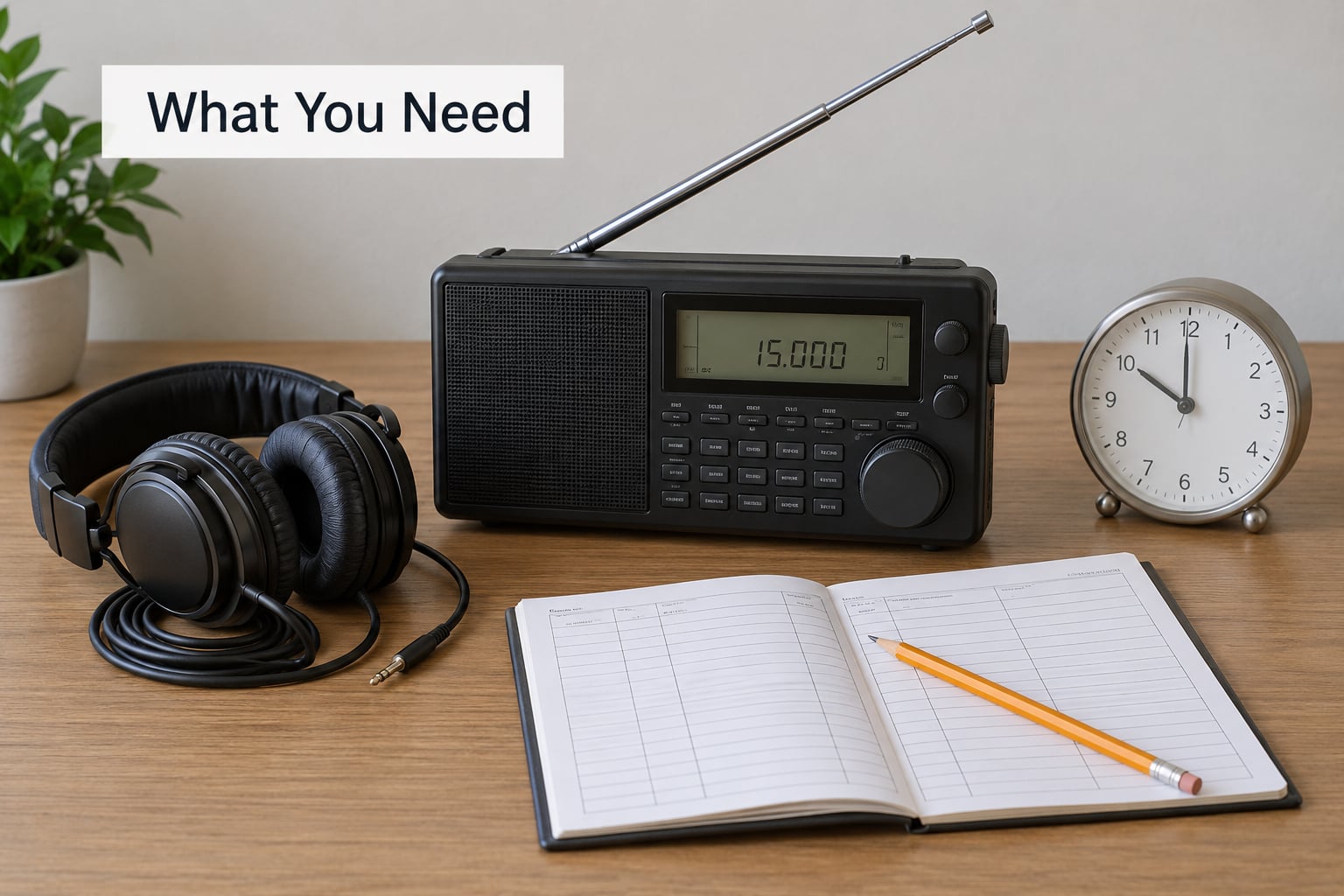
Five things, and only one of them costs real money. The rest is knowing where to point the receiver.
A receiver that covers 3 to 30 MHz
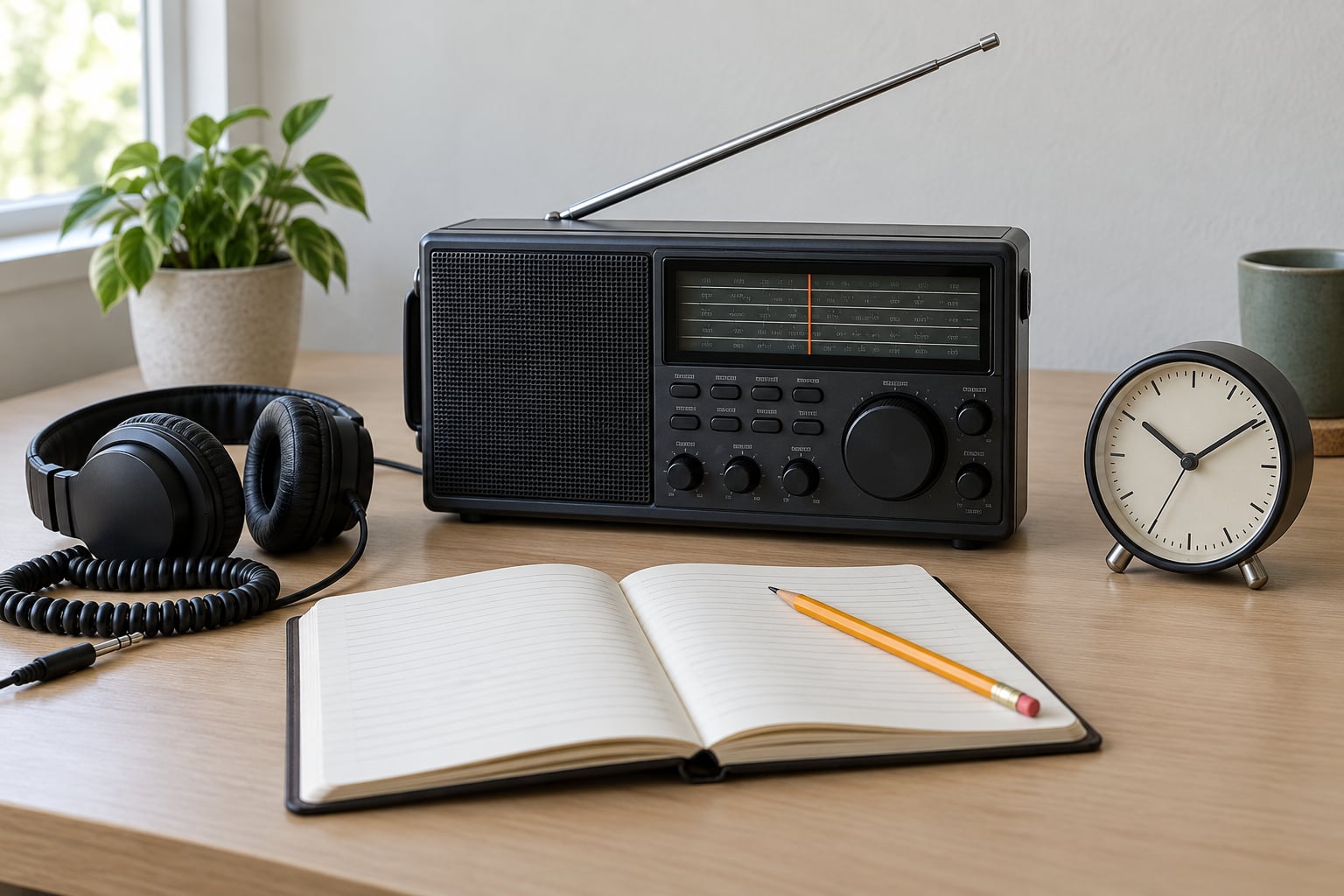
Any radio that receives HF works, from a communications receiver to a small portable. What matters is that it holds a steady dial position, has a frequency display, and lets you choose AM rather than locking you into SSB. A tuning knob that clicks in small steps makes life easier than one that spins continuously, because a time signal sitting 2 kHz off frequency is easy to lose and hard to find again.
An antenna that is actually connected
The telescopic whip that comes with a portable radio is genuinely enough for a station transmitting with this much power. A long wire indoors, strung as far from mains wiring as you can manage, does noticeably better. Anything metal and elevated beats anything close to the ground.
A frequency reference you trust
Keep a second, internet-connected device showing UTC. You need it to confirm what the station announces, and to tell whether a receiver has drifted off frequency.
Headphones, or a decent speaker
Headphones help because the tick is a low-level tone sitting under the carrier. A small speaker driven hard will make it disappear entirely.
A quiet listening position
Time signals are strong, so they tolerate ordinary household noise better than most HF signals. Even so, a room away from switching power supplies and LED lighting gives you a cleaner floor to work from. That matters when you are judging whether a weak signal is real or imagined.
How to Hear Time Signal Stations on Shortwave (Step by Step)
1. Choose a Shortwave Receiver
If you already own anything that reaches HF, skip this step. Otherwise, decide between two paths: a general-purpose portable for casual listening, or a communications receiver with a waterfall display if you want to see weak signals rather than just hear them.
Three features earn their place. A numeric frequency display stops you guessing at dial readings. Selectable sideband, so you can switch between USB and CW if the station changes mode, gives you room to recover. A signal-strength meter tells you whether moving the antenna actually did something, which is the fastest way to learn how your setup behaves.
Do not worry about the specifications noise about phase noise or dynamic range. Those numbers matter to contest operators hunting for signals buried in static. To hear a station transmitting this strongly, you need a radio that turns on.
2. Set Up the Antenna
Connect the antenna before switching on, and match the connector. A screw antenna terminal takes a bare wire or a banana plug; an SMA socket wants the right adapter, and forcing the wrong one damages the receiver.
Three antenna styles cover almost everything a beginner needs:
- Telescopic whip — the one on the radio. Fully extended, vertical, works best outdoors and even indoors at close range. The first thing to try.
- Long wire — 6 to 20 metres of insulated wire strung indoors or outdoors and fed to the receiver. Length matters less than direction: run it away from parallel with mains wiring, metal roofing and the power supply of the radio itself.
- Tuned shortwave antenna — a commercial multiband vertical or loop with a matching network. Worth it when you already know you will listen for years, pointless for a first night.
One safety point worth stating plainly. Never put an antenna on a mast, and never run a long wire across a street or near overhead power lines. Keep everything you build at ground level, away from anything you could contact while climbing.
3. Find the Right Time Signal Frequency
If you are still working out how to hear time signal stations on shortwave, the frequency list below is the place to start, with status verified in October 2026. The call signs are the thing to memorise: they tell you which station you have, whatever the frequency.
| Station | Call sign | Operator | Frequencies | Location | Status as of 2026 |
|---|---|---|---|---|---|
| NIST time and frequency station | WWV | National Institute of Standards and Technology | 2.5, 5, 10, 15, 20 and 25 MHz | Fort Collins, Colorado | Transmitting 24 hours a day |
| NIST Hawaii station | WWVH | National Institute of Standards and Technology | 2.5, 5, 10 and 15 MHz | Kauai, Hawaii | Transmitting 24 hours a day |
| NIST low-frequency station | WWVB | National Institute of Standards and Technology | 60 kHz | Fort Collins, Colorado | Transmitting continuously, needs an LF antenna |
| Beijing time station | BPM | National Time Service Center | 500 kHz | Beijing, China | Transmitting; not an HF frequency |
| Seoul standard frequency station | HLA | National Time Service | 2545 kHz | Seoul, South Korea | Transmitting |
| Canadian time station | CHU | National Research Council of Canada | 3330, 7850 and 14670 kHz (former) | Ottawa, Canada | Ceased transmission 22 June 2026 at 14:10 UTC |
| German longwave time signal | DCF77 | Physikalisch-Technische Bundesanstalt | 77.5 kHz | Mainflingen, Germany | Transmitting; longwave only |
WWV is the one to learn first. Its six frequencies give you a spread of options, and it is the strongest HF time signal available to most of North America. WWVH covers the same audience from Hawaii, which means you can receive both at once from the Pacific.
Use a current schedule tool rather than a page you found once. Shortwave schedule sites tag time signals by service type, so you can filter for them and see which of the six WWV frequencies is in the best band for the hour you are listening.
4. Tune the Station’s Signal
Work down the band in 1 kHz steps around the published frequency rather than spinning the dial. WWV transmits double-sideband AM, so you want AM selected, and you want the audio pitch set so a spoken voice sounds natural.
Listen for four distinct things, in this order. A steady carrier you can hold as a note. A tick once per second. A voice. And every few minutes, a long tone just before the minute changes.
If you find the carrier but no voice, you are probably on the wrong sideband or the audio filter is too narrow. Widen the filter first, then narrow it again until adjacent stations stop spilling in. If the station sits slightly off the dial reading, tune slowly and count the difference — WWV does not drift, so any offset belongs to your receiver.
5. Listen for the Time Announcement
Each station identifies itself differently, and once you know the differences you will never confuse them. WWV announces with a male voice; WWVH uses a female voice. WWV’s per-second tick is a 1 kHz tone while WWVH uses a 1.2 kHz tone. The alternating 500 and 600 Hz tones that appear for several minutes past each hour are how both stations signal a leap second, so do not be alarmed by them.
| What you hear | WWV | WWVH |
|---|---|---|
| Voice on the announcement | Male | Female |
| Per-second tick | 1000 Hz | 1200 Hz |
| Announcement timing | Around 10 to 15 seconds before the minute marker | Around 10 to 15 seconds before the minute marker |
| Minute marker | Ten-second tone at the top of the minute | Ten-second tone at the top of the minute |
| Musical tone | A440 reference tone a couple of minutes into some hours | A440 reference tone a couple of minutes into some hours |
| Leap second warning | Alternating 500 and 600 Hz tones | Alternating 500 and 600 Hz tones |
There is a piece of this transmission you will not hear on a speaker, and beginners worry about it constantly. The station also sends a binary-coded decimal time code on a 100 Hz subcarrier. A 100 Hz tone is far below what a small speaker reproduces, so all you hear from that part of the signal is a buzz layered under everything else. It is not a fault. To read it you need headphones, a narrow filter set to about 100 Hz, or decoding software.
Voice announcements give you the hour and minute in UTC, not local time. If the station says 14 hours and your watch says 08:00, both are right and you have found your offset for free.
6. Confirm the Time and Log the Reception
Compare the announced time against your own UTC reference and note the difference. If it is under a second or two, your receiver’s frequency is accurate. If it drifts steadily, the dial is off frequency, not the station, and retuning restores agreement.
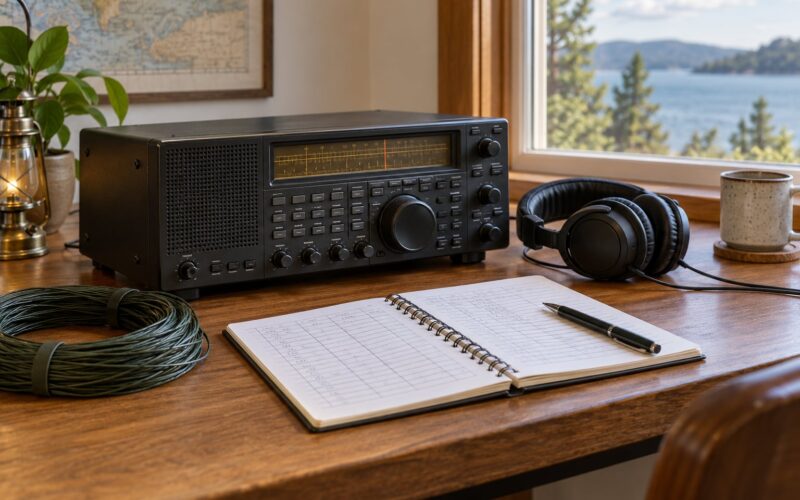
Then write the reception down. Operators send these reports to NIST and expect them to contain:
| Field | What to write |
|---|---|
| Station and frequency | WWV, 15000 kHz |
| Date and time in UTC | 4 October 2026, 0312 UTC |
| Location | Your town and country |
| Receiver and antenna | Make, model, antenna type |
| Signal quality | Strength reading and your own rating out of five |
Once the signal is clean on one frequency, try the others before sunset and again after dark. The way WWV moves between its six frequencies tells you more about ionospheric propagation than any chart, and it is free instruction.
Common Mistakes
Tuning while assuming a schedule exists
Time signals run continuously, but they are not the only thing on the band. If you hear music, a language you did not expect or a station that identifies only at the top of the hour, you are past the time frequency. Move in 1 kHz steps and read the carrier more carefully.
Picking the frequency first and hoping it works
The old rule is lower by night, higher by day, and it holds. The ionosphere reflects low frequencies around the earth with little loss and absorbs higher ones, so a 20 MHz signal that is superb at noon may be unusable at midnight. A signal that fades after local sunset is behaving normally, not failing.
Expecting to hear the time code numbers
You will hear a buzz instead. The BCD time code rides a 100 Hz subcarrier that no small speaker reproduces. Headphones plus a narrow filter, or free decoding software, will bring it out. This is the single most common reason a new listener thinks the transmission is broken.
Tuning the old CHU frequencies
CHU stopped on 22 June 2026. Forum listeners reported an unauthorised station spoofing the old format on 7850 kHz afterwards, complete with a pop music outro, so an imitation is a real possibility rather than a joke. If you hear something claiming to be CHU, check it against a current schedule before believing it.
Judging a receiver on a station meant for antenna work
WWVB on 60 kHz is an entirely different propagation problem from an HF time signal. At 60 kHz you need an LF antenna, and a shortwave whip will not do it. If WWV sounds good and WWVB does not, your setup is fine.
Starting with SSB voice stations
Listeners new to HF often try a broadcast station on a sideband first and conclude the radio is broken. Single sideband needs a steady hand and a set frequency to sound intelligible. Time signals are AM with a strong carrier, which makes them the gentlest possible introduction to the HF bands. Once those are comfortable, SSB stops being a problem.
A short set of habits covers most of the rest. Log the frequency, the mode and the UTC time every time you hear something, because the log is what turns an hour of tuning into actual progress. Check your receiver’s frequency against the log if the signal seems to wander. And keep a schedule tool bookmarked so you know what should be on the air before you start, not after.
Frequently Asked Questions
How do I listen to the WWV time signal?
Tune an HF-capable receiver to one of WWV’s published frequencies, 2.5, 5, 10, 15, 20 or 25 MHz, select AM, extend the antenna and wait. You will hear a tick once per second and a voice announcement of Coordinated Universal Time roughly ten to fifteen seconds before each minute, followed by a ten-second tone at the top of the minute. Choose 15 MHz in daylight and 5 MHz after dark. No licence is required to listen.
Does WWV still broadcast?
Yes. WWV in Fort Collins, Colorado transmits continuously on 2.5, 5, 10, 15, 20 and 25 MHz, and NIST has kept it running around the clock since 1923. WWVH in Kauai, Hawaii does the same on 2.5, 5, 10 and 15 MHz. Both announce UTC every minute and double as standard frequency references, so you can also use them to check your receiver’s tuning accuracy.
Is CHU still transmitting?
No. CHU in Ottawa stopped broadcasting on 22 June 2026 at 14:10 UTC, when the National Research Council of Canada ended the service and moved its distribution to network time protocol. Several reference pages still list CHU as active, which is outdated. If you hear a time signal on 3330, 7850 or 14670 kHz, be cautious: listeners have reported an unauthorised station spoofing the CHU format since the closure.
Is WWVB at 60 kHz worth listening to?
WWVB is genuinely useful, but it is a different challenge from HF. At 60 kHz a short telescopic whip will not receive it; you need a large loop or long-wire low-frequency antenna and a receiver that extends down that far. Indoors, building wiring noise usually swamps the signal. If your interest is checking a shortwave radio or getting UTC, WWV on 5 or 15 MHz is far easier. WWVB matters mostly for radio-controlled clock experiments.
Can I hear shortwave time signals on the internet?
Yes, and it costs nothing. Public internet software-defined radio receivers let you tune a remote receiver anywhere in the world through a browser, so you can listen to WWV or WWVH without owning any hardware at all. Search for a WebSDR with an HF antenna pointed at a good location, switch to AM, and tune one of the published frequencies. It is the fastest way to hear what a time signal sounds like before deciding which receiver to buy.
What is the best antenna for listening to shortwave time signals?
For a first reception, the telescopic whip on your radio fully extended works. To do better, use a long wire, roughly 6 to 20 metres, strung as far from mains wiring, metal roofing and switch-mode power supplies as you can, and run it away from parallel with electrical cabling. Vertical orientation suits an isotropic signal well. Keep every installation at ground level and well clear of overhead power lines. Test by watching the signal meter while you move the wire.
Conclusion
If you remember one thing about how to hear time signal stations on shortwave, make it this. Pick a receiver that covers 5 and 15 MHz, connect the antenna that came with it, and tune 15 MHz in AM mode during the day. Log the frequency and the UTC time you hear, then try the other five WWV frequencies before and after sunset to see how the band behaves. Once you can tell WWV from WWVH by voice and tick, you have the reference every shortwave listener builds the rest of their listening around.